Frequently Asked Questions
If you encounter a problem using your sensor, you can contact us directly on the application via the chat bubble at the bottom right of your screen! You can also contact us by email at help@footbar.com.
Don't hesitate to browse our FAQ below, you will surely find the answers to your questions!
The Footbar Sensor
-
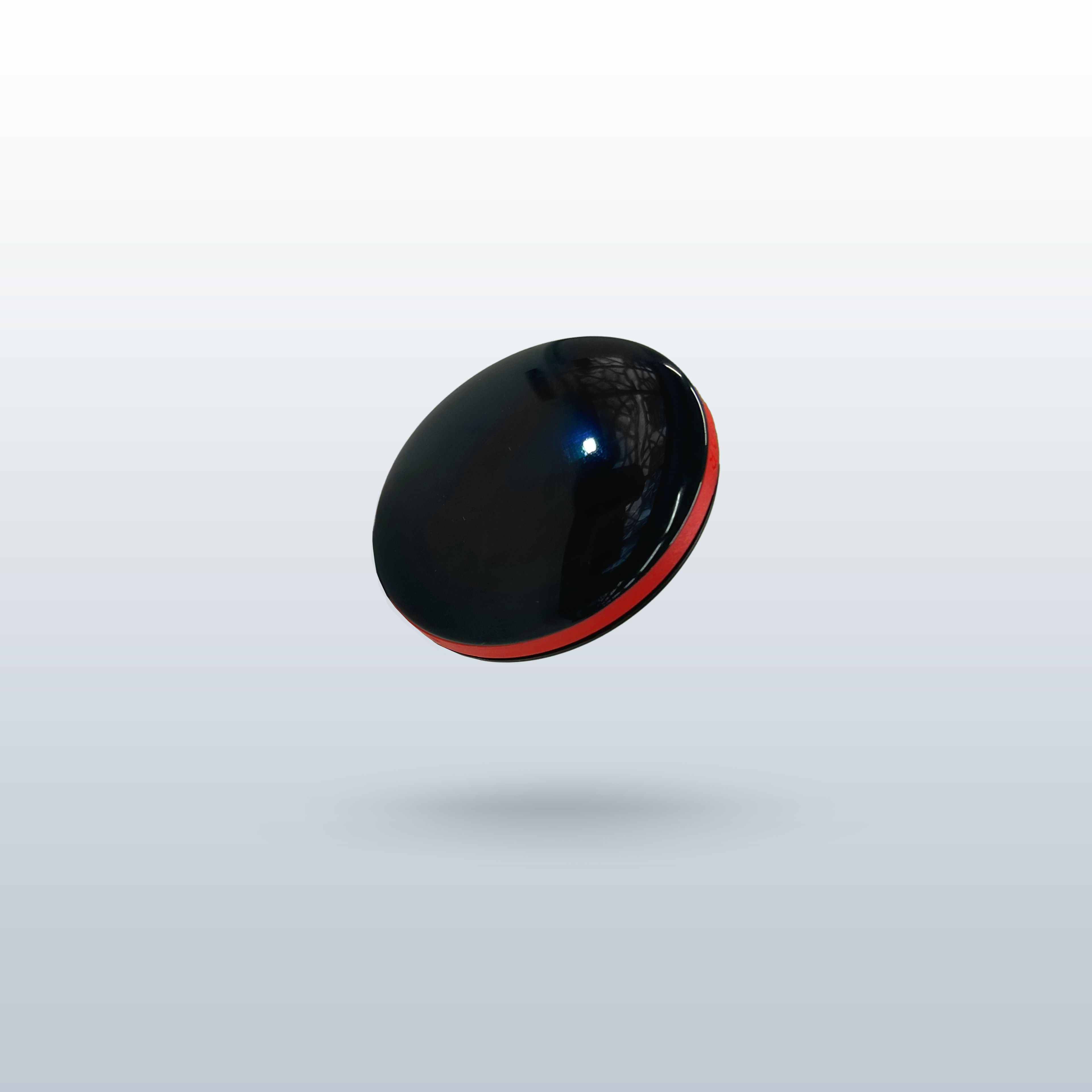
It's an 8-gram, 8-mm thick sensor that evaluates the performance of football players based on a dozen criteria using an accelerometer coupled with artificial intelligence (AI).
-
A GPS works with location. Our sensor understands body movements without knowing the position. It's as if it has been taught to recognize all a footballer's movements. The two are perfectly complementary.
-
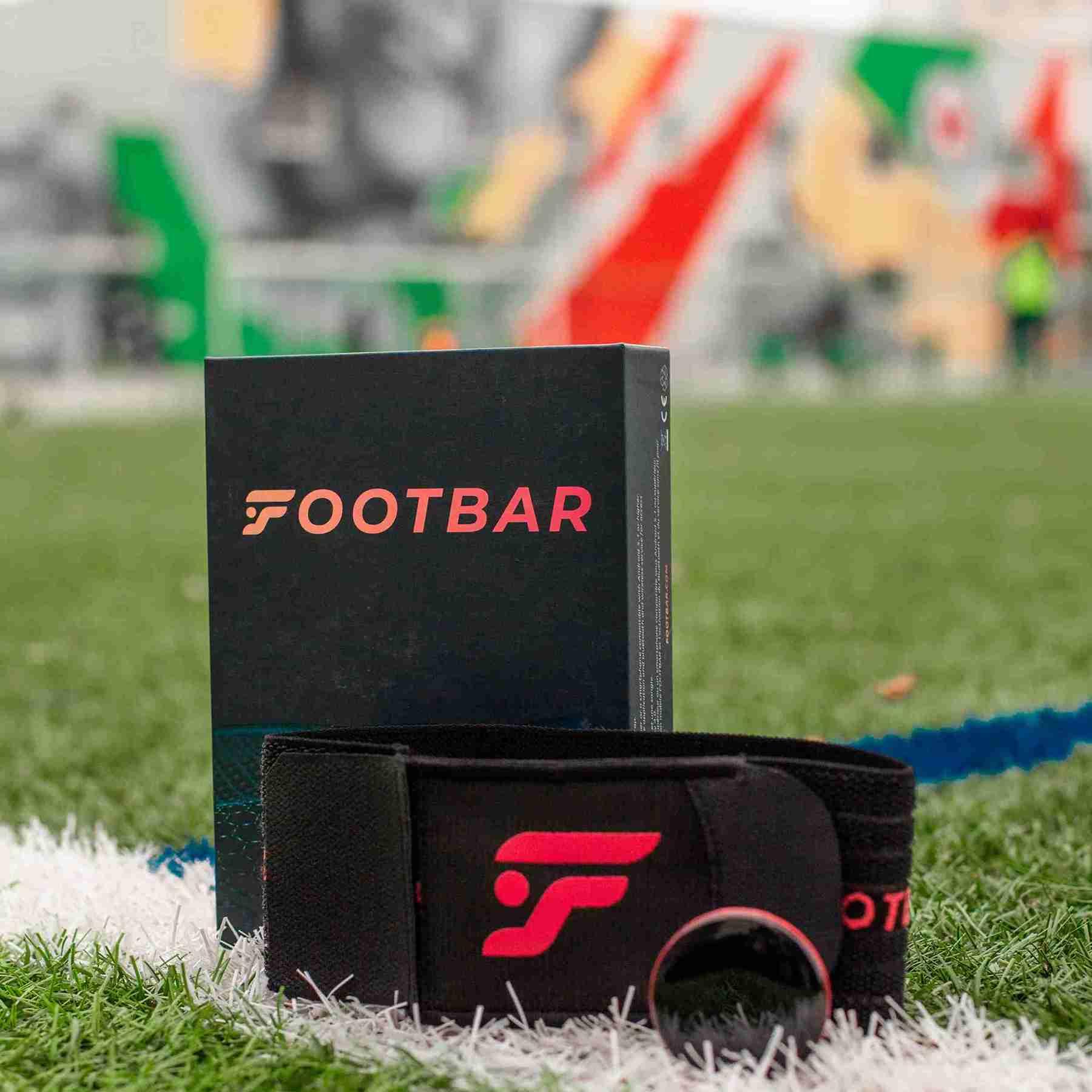
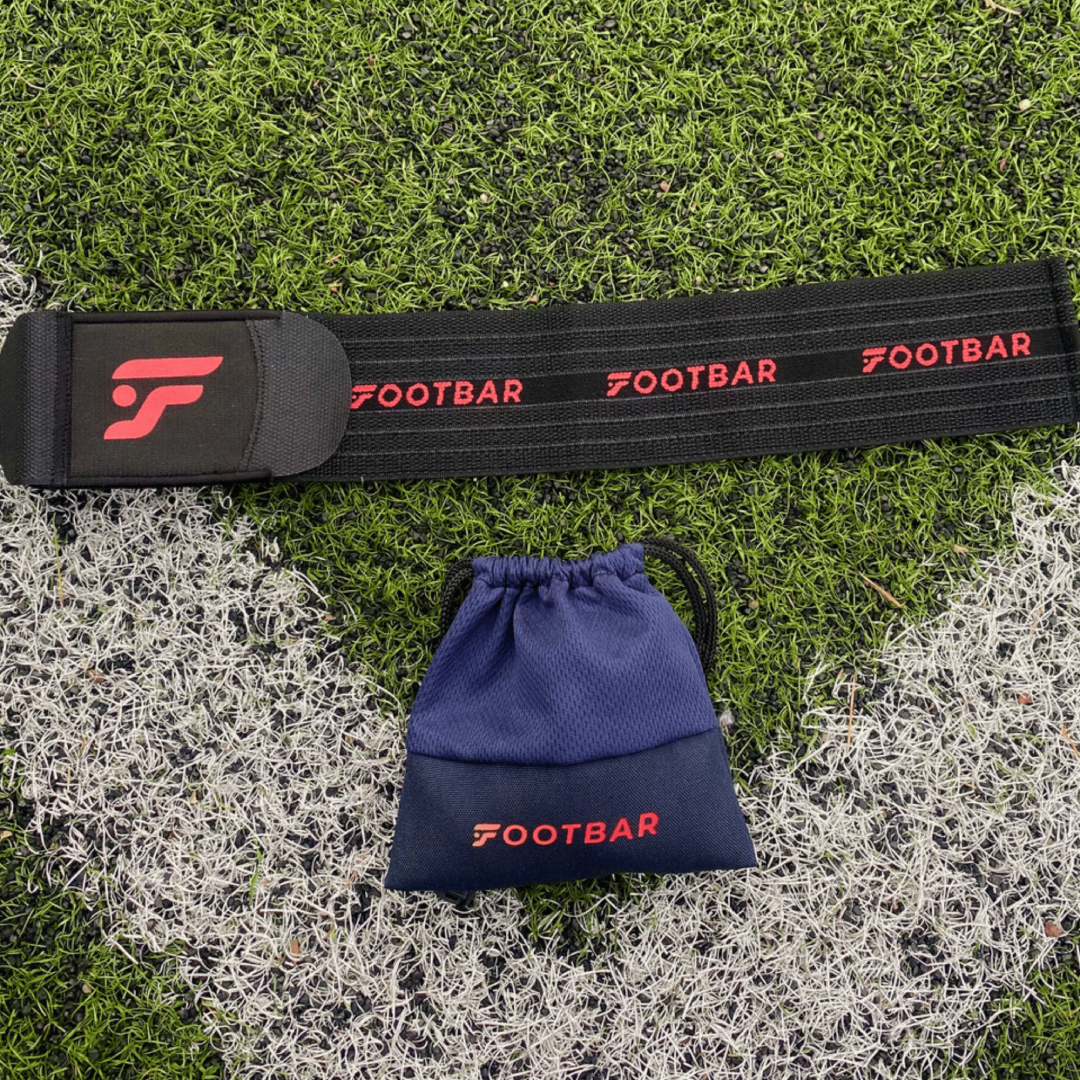
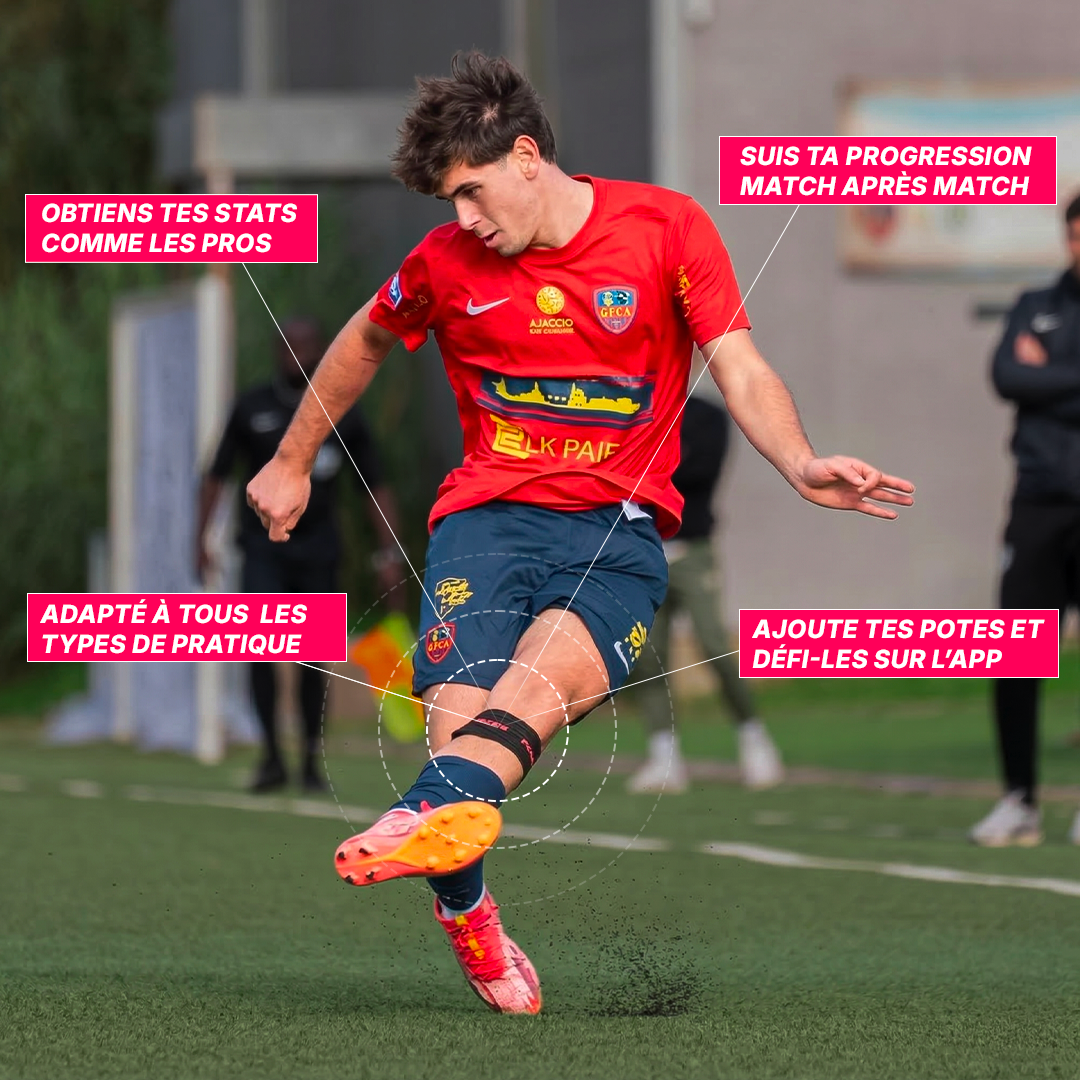
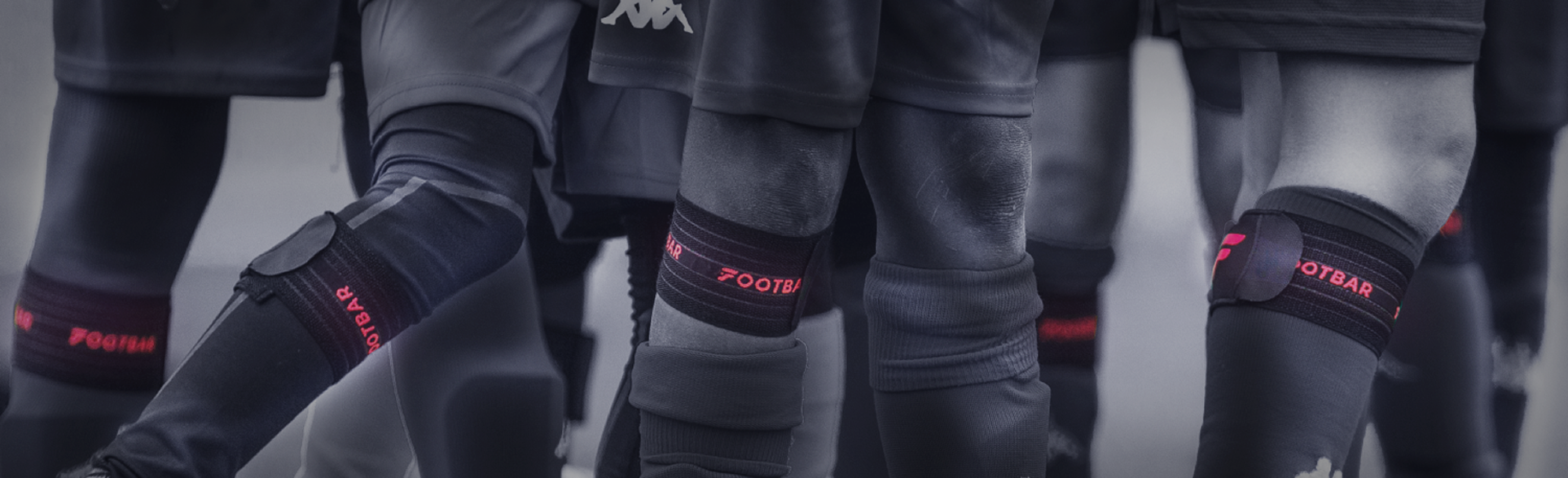
No! Ultra light, thin and compact, the sensor attaches discreetly under the sock on the calf. It does not hinder the movements of the player, who will immediately forget they are wearing a sensor.
And the strap? It was designed to offer maximum comfort, based on extensive user feedback, and it shows!
-
No, our technology is currently designed to function when placed on the "upper kicking calf." Wearing it elsewhere would provide inaccurate game information to the sensor, preventing it from precisely calculating your stats!
-
No, the sensor only considers data from the leg on which it is placed. We therefore advise you to wear the sensor on your strong leg as this is where you will get the best statistics.
Today, our artificial intelligence is not yet able to detect passes and shots made with the leg not wearing the sensor. However, we continue to work on this to remedy it.
-
As it is hidden under the sock, you can use it during amateur matches, subject to district regulations. We recommend asking the referee for permission. Today, players from the Luxembourg pro team wear our sensor, as do clubs that use it during their weekend matches.
Using the sensor
-
1) You need to equip yourself with your sensor by placing it on the back of your "strong" leg, at the top of the calf.
2) You need to turn on your sensor via the app by going to the "Sensor" tab and choosing your sensor from the list. All you have to do is turn it on by pressing the large white button.
3) You can then put your phone away, you won't need it during your session.
4) Once your session is finished, return to your app by re-selecting your sensor in the "Sensor" tab, then turn off your sensor by pressing the green button and then download your stats.
5) Downloading your stats should take 1 to 2 minutes, you will receive a notification when your stats are ready or go directly to "profile" --> "Sessions".
-
You just need to go to your profile and then click on "Sessions" in the top left corner to access not only your session data but also the history of all your previous sessions.
-
Regarding the distance to the sensor, there are 2 distinct things:
- To connect to the sensor (to turn it on, off, or download its data), you need to be close to the sensor, within about 5 meters.
- However, once the sensor is turned on, the application can be closed and the phone put away. Bluetooth is only used to turn the sensor on/off, and then to download data at the end of your match or training.
-
This is completely normal because your sensor does not need to be connected to your phone when you are playing.
The sensor must be near the phone and connected via Bluetooth only to turn it on, turn it off, and download its data.
-
Either you are not close enough to your sensor, or you might have run out of battery.
So, check that:
-
Bluetooth is activated.
-
Put your sensor to charge on a computer using the USB port provided in your packaging.
-
Check that the sensor is blinking when connected.
-
Don't hesitate to test with another cable if necessary.
If your problem is still not resolved, please contact us via the small bubble at the bottom right of your screen.
-
-
When you are on your session recap, click on the icon in the top right corner and then on "edit". You can then select your position, the type of session, as well as the start and end time of your session before clicking "validate".
-
If you no longer have memory, it's probably because you have an unsynced session. In this case, go to your application, connect to your sensor and check if you have any sessions to download. If so, download it and your memory should be freed up.
The championship on the app
-
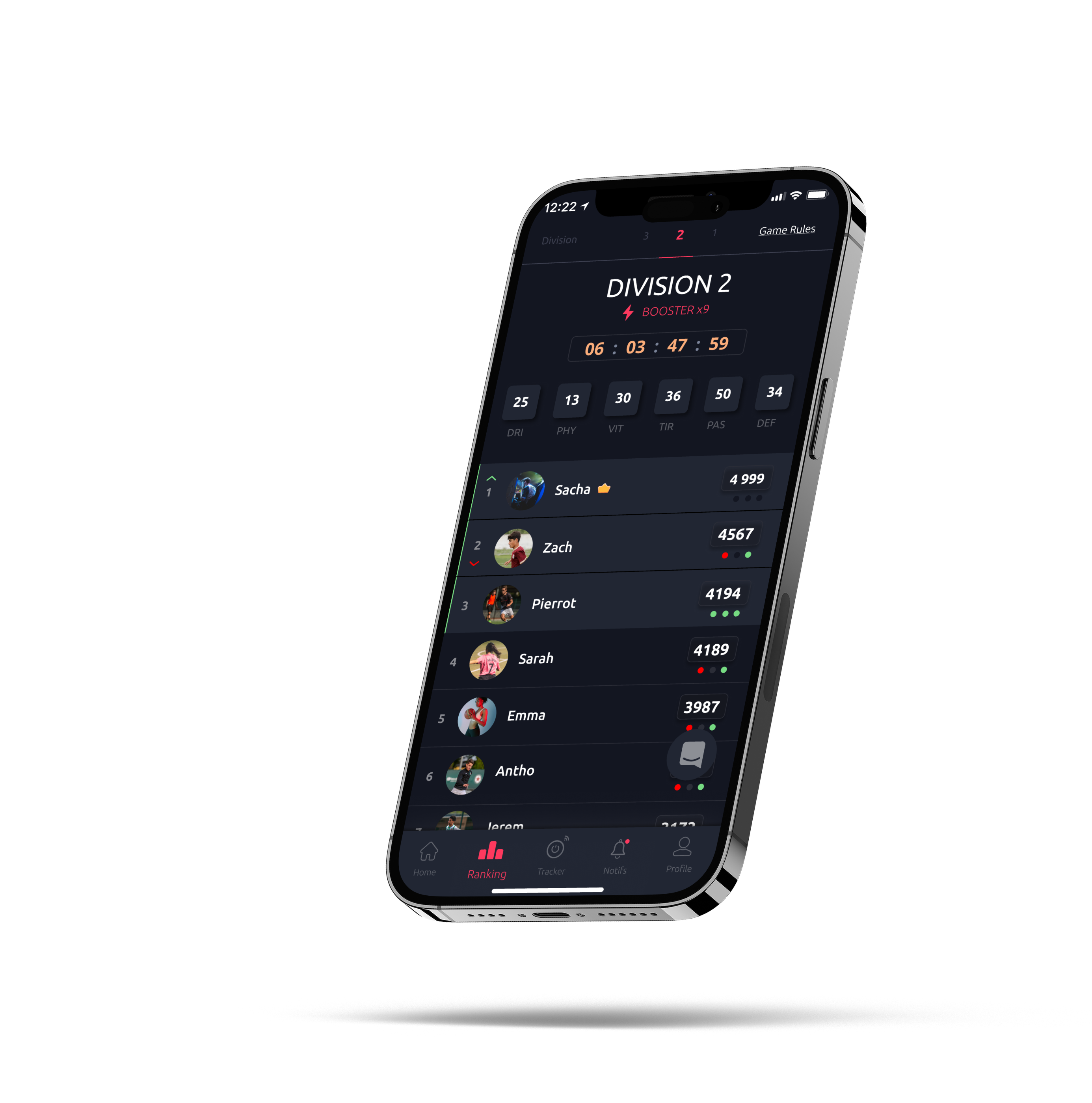
In the championship, the rules are simple: the more you play football during the week, the more points you accumulate to get ahead of your opponents.
Each week, you randomly join a group of 20 new opponents in one of the 10 divisions that suits you.
It's up to you to prove that you are the best in your group: at the end of each week, the top three move up to the higher division and the bottom three move down.
-
The booster allows you to multiply the points obtained by a user during a session according to their division. The booster is x1 when you are in D10 and increases by +1 when you move up to the next division, reaching x10 when you are in D1. The closer you are to D1, the higher your booster, and therefore the more points your sessions will earn you.
-
Every summer, the current season ends, and the experience points on your Footbar card reset to 10, just like when you first started on Footbar. Don't worry, the points come back quickly if you had a good level the previous season. It's an opportunity to give it your all in the new season!
Footbar Gold Subscription
-
No, our app remains free!
We have indeed recently released a premium version of the app including new features, but these are purely additional/optional.
The features already present in the app (access to stats, league, history of all sessions, etc.) have remained free and always will be. There has been no change for you even if you haven't become a Footbar Gold member.
-
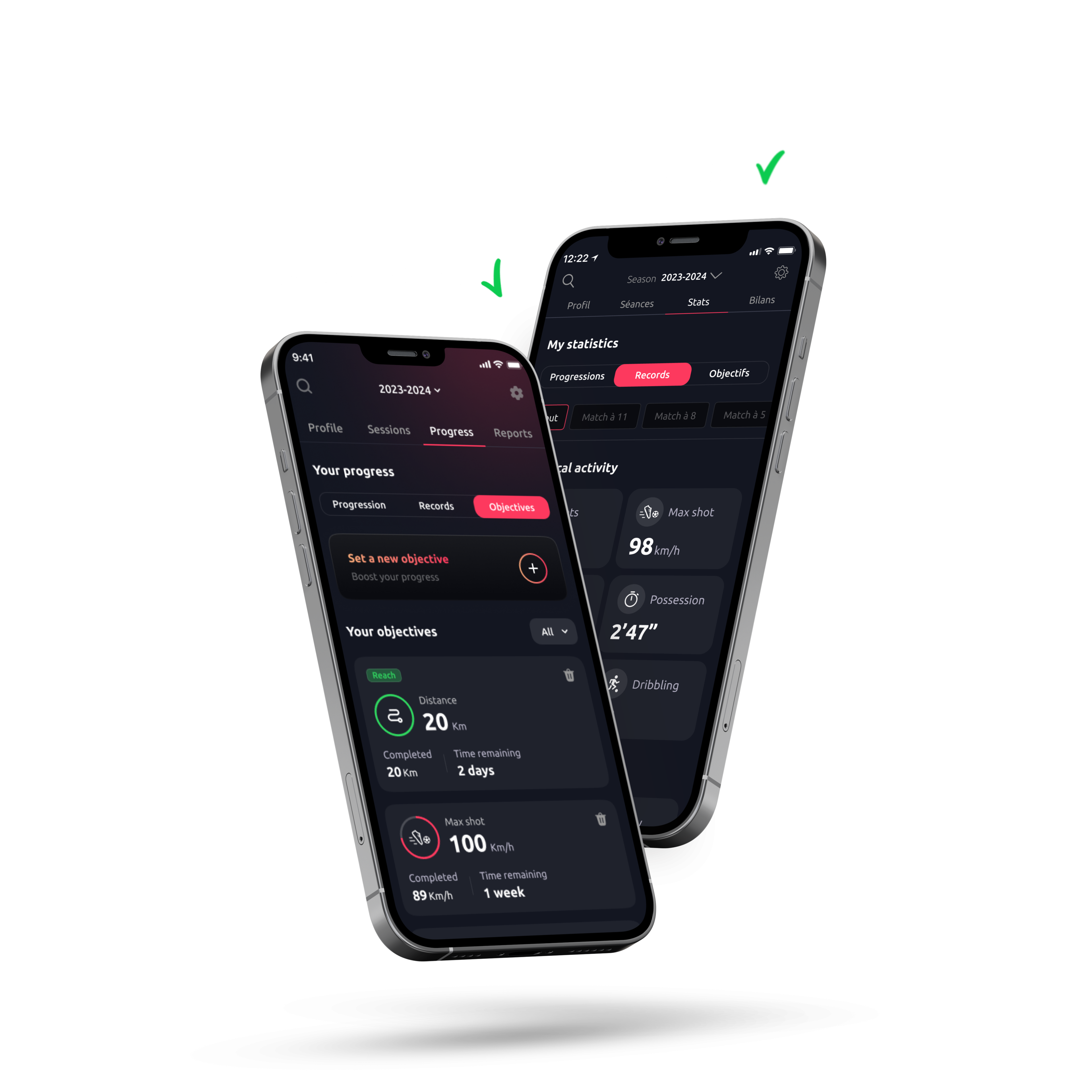
Here are the new premium features we have developed:
-
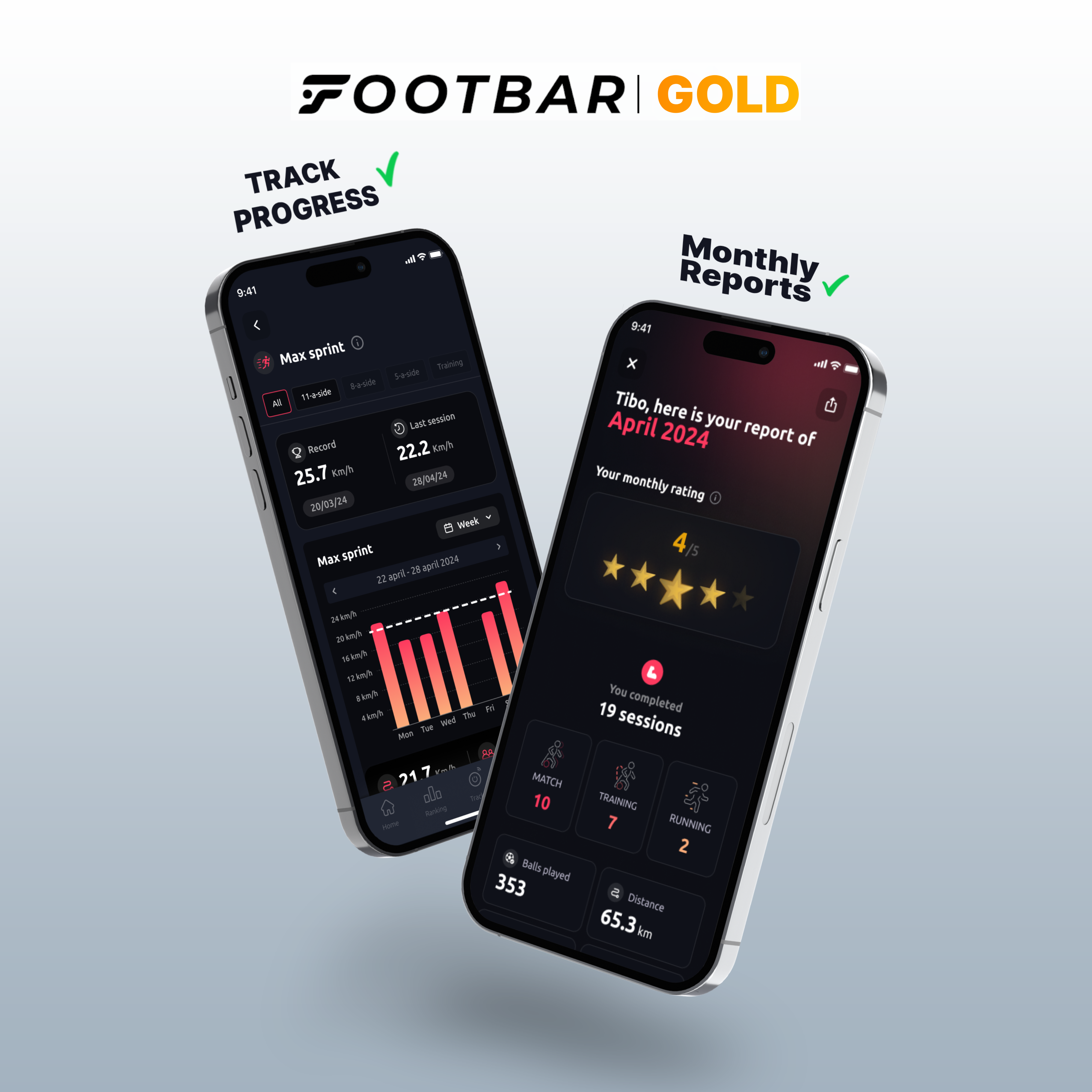
A detailed monthly report of everything you've done with the sensor.
-
Progress tracking for each stat in the form of a graph.
-
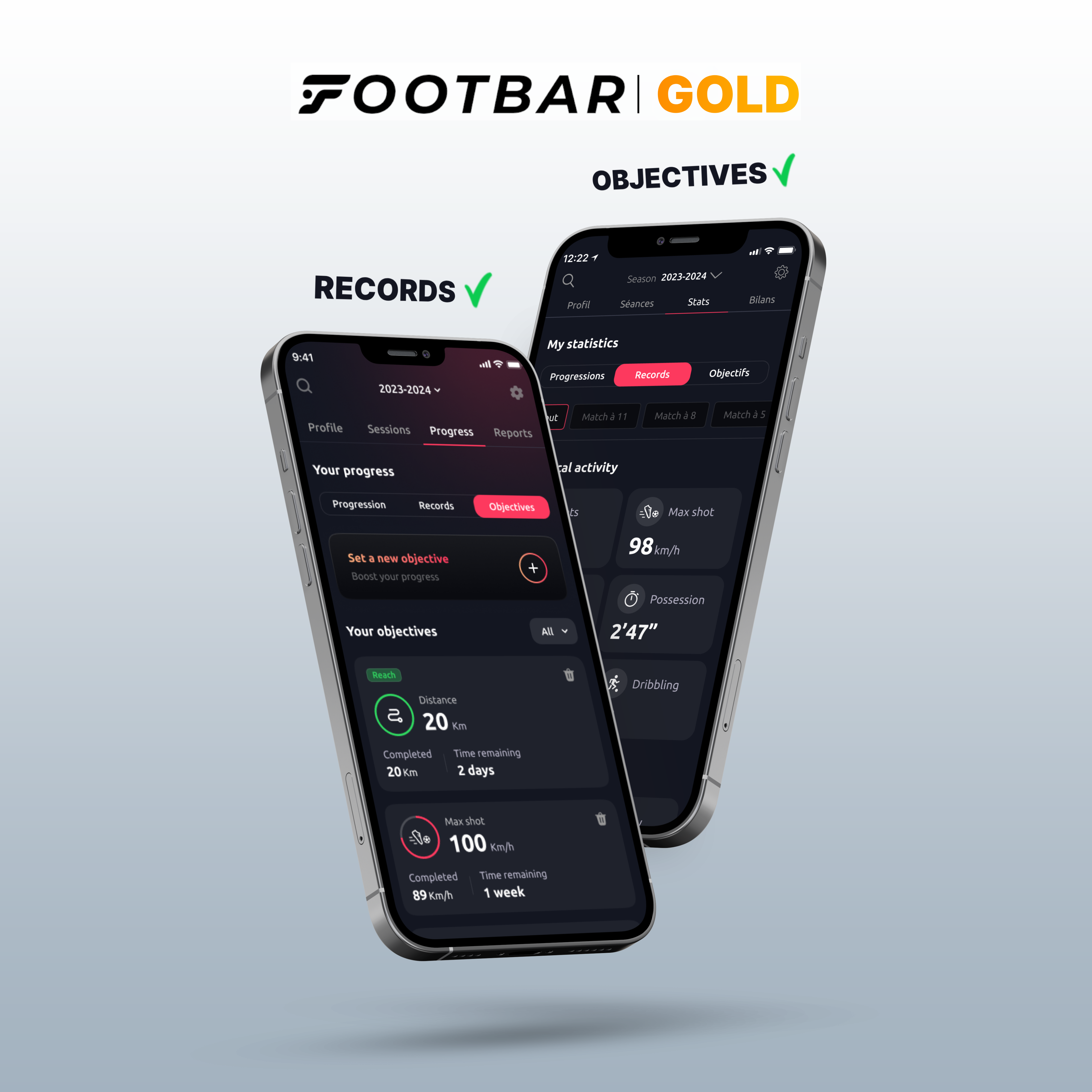
Access to all your records for each stat.
-
Personalized goals for various statistics.
-
Add your goals and assists.
For your information, there are 2 months of free trial for you to discover all these new features! You can cancel your subscription at any time!
-
-
Yes, of course! There are 2 months of free trial for you to discover all these new features! To access it, go to your profile, then settings, and finally "become a Footbar Gold member"!
You can cancel your subscription at any time!
Artificial Intelligence (AI)
-
Our sensor can detect and record leg movements thanks to an integrated accelerometer.
Then, our Artificial Intelligence takes over. It understands everything the player has done and deduces on-field actions from the sensor data: movements, passes, shots.
-
Physical Statistics
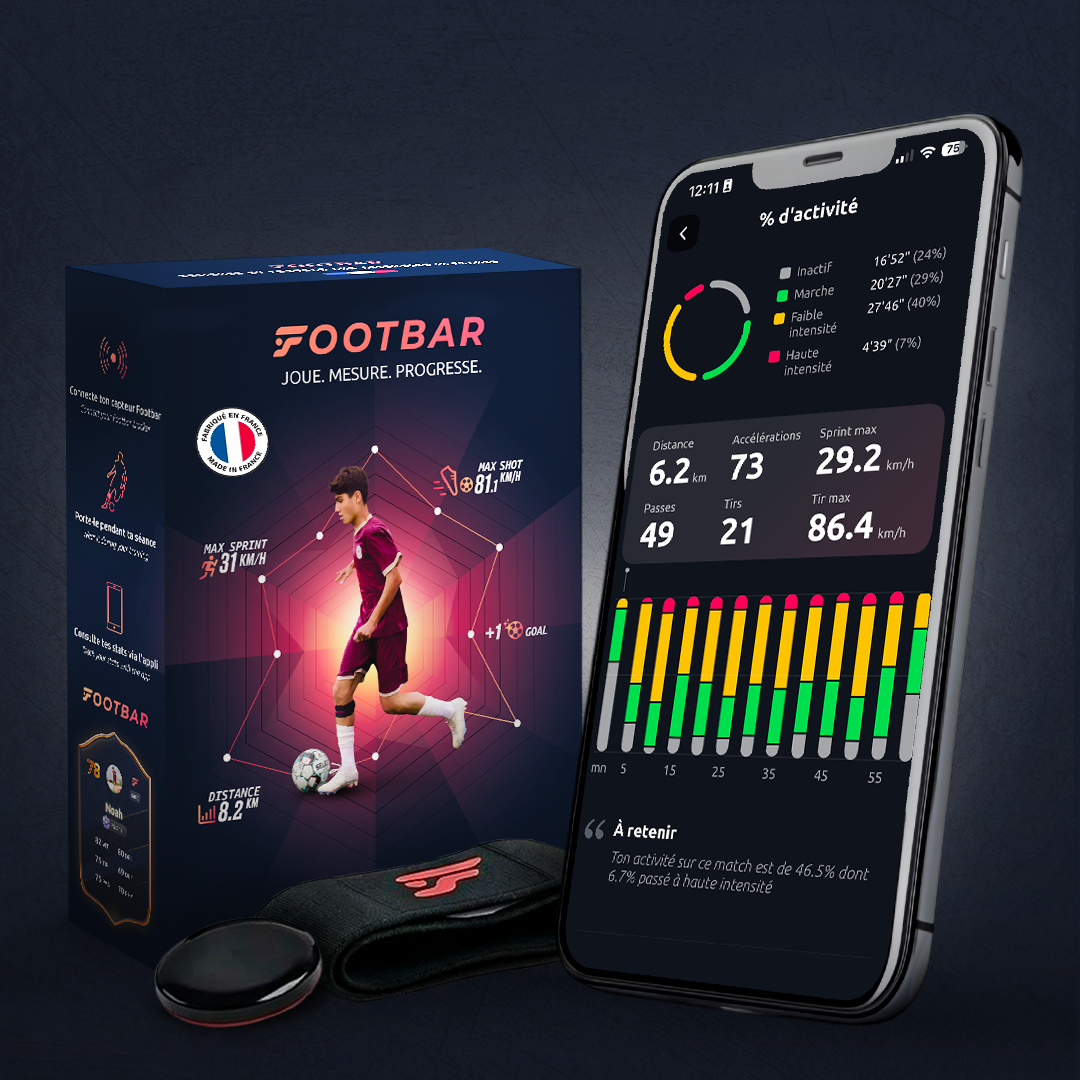
- Distance: total distance covered (in km).
- Max Sprint: highest speed measured during a sprint (in km/h).
- Activity: percentage of time you ran during your match.
- Running: total time you ran (in min' s").
- Sprint Distance: distance covered during all sprints (in km).
- Sprints: number of runs during which you accelerated, reaching a speed at least 30% higher than your average speed.
Technical Statistics
- Ball Touches: number of ball touches during the match.
- Max Shot Power: speed of your most powerful shot. (in km/h).
- Shots: total number of shots taken (includes strikes, crosses, and clearances).
- Passes: total number of passes made.
- Possession: time spent with the ball at your feet (in min' s").
Match & Training:
-
activity: percentage of time spent running over the total activity time.
-
running: total running time in minutes (') and seconds (").
Running:
-
speed: average time taken to cover 1km.
- average speed: average speed during the session in km/h.
-
pace: time taken to cover each km.
Footbar Team :
-
external load: amount of work performed by the player, expressed as a function of the player's speed and activity time. The faster and longer a player runs, the greater their load.
-
intensity level: defined as the percentage of time spent above each speed threshold based on the Maximum Aerobic Speed (MAS).
There are 4 intensity levels: low intensity (LI), medium intensity (MI), high intensity (HI), and very high intensity (VHI). Each level can be manually adjusted by the team coach based on the MAS of their players.
-
-
Our sensor was trained with tens of thousands of hours of videos to differentiate these two gestures.
-
The more you use the sensor, the more points you earn. To learn more, refer to the game rules in the app.
-
If you had a period of inactivity while stationary, for example on the bench or in goal, the sensor will not count this downtime in order not to skew your statistics.
Sales and deliveries
-
Online on our own site Footbar, as well as on our stores Amazon, Décathlon, Intersport.
Physically, our sensor is sold in more than 120 Decathlon stores and 50 Intersport stores.
-
This will depend on the carrier you choose and also your geographic location. It usually takes at least two days. Delivery times may be longer, especially during the holiday season.
-
Of course, in the event of a technical problem related to Footbar, your sensor is guaranteed for two years. It is possible to exchange it provided you return the sensor with its original packaging, the USB port, and the strap.