Discover the tracker
Congratulations, you've received your Footbar tracker! 🎉
Before embarking on a football session with friends with your tracker on your calf, we invite you to browse this page which explains step by step how to use your tracker properly.
Content of the pack
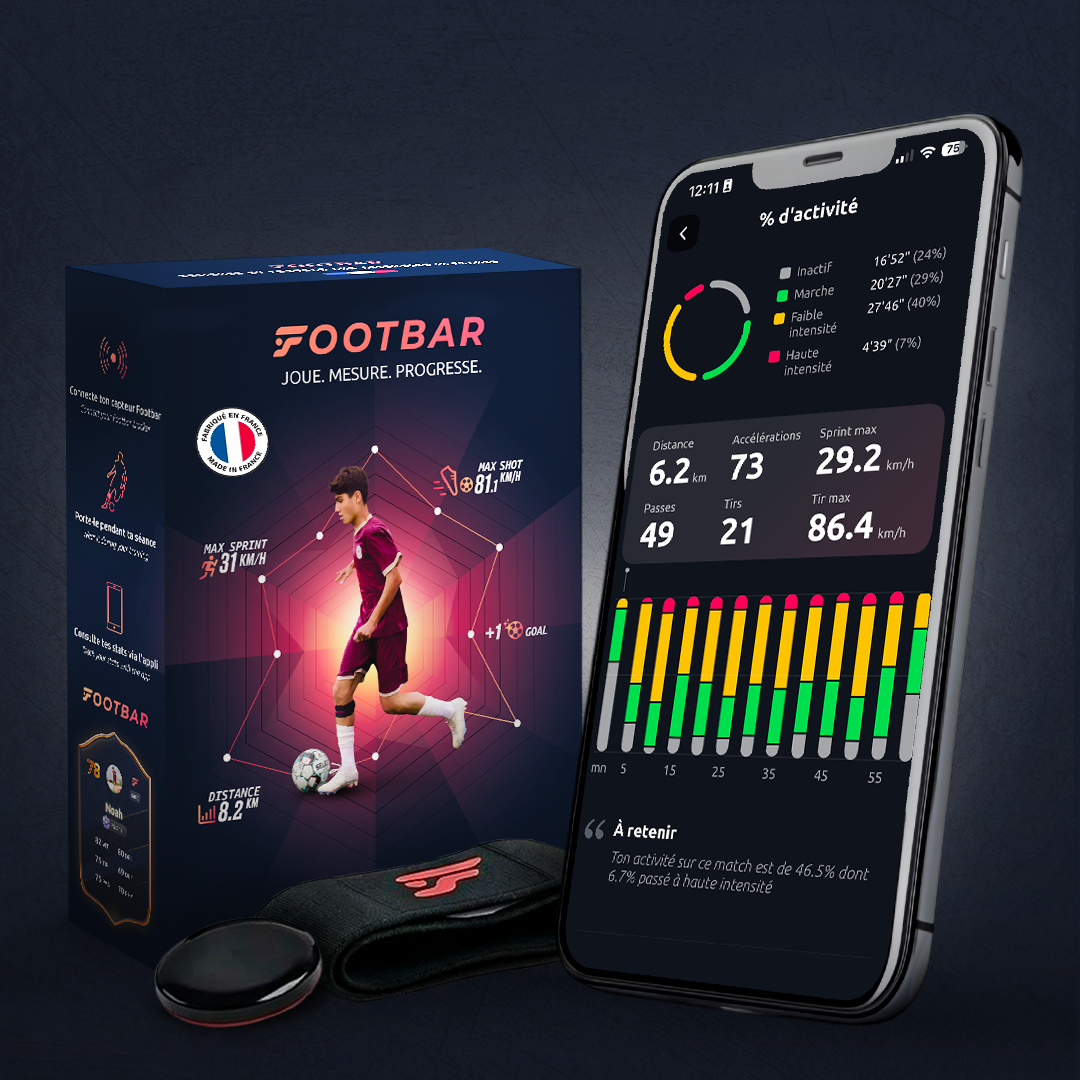
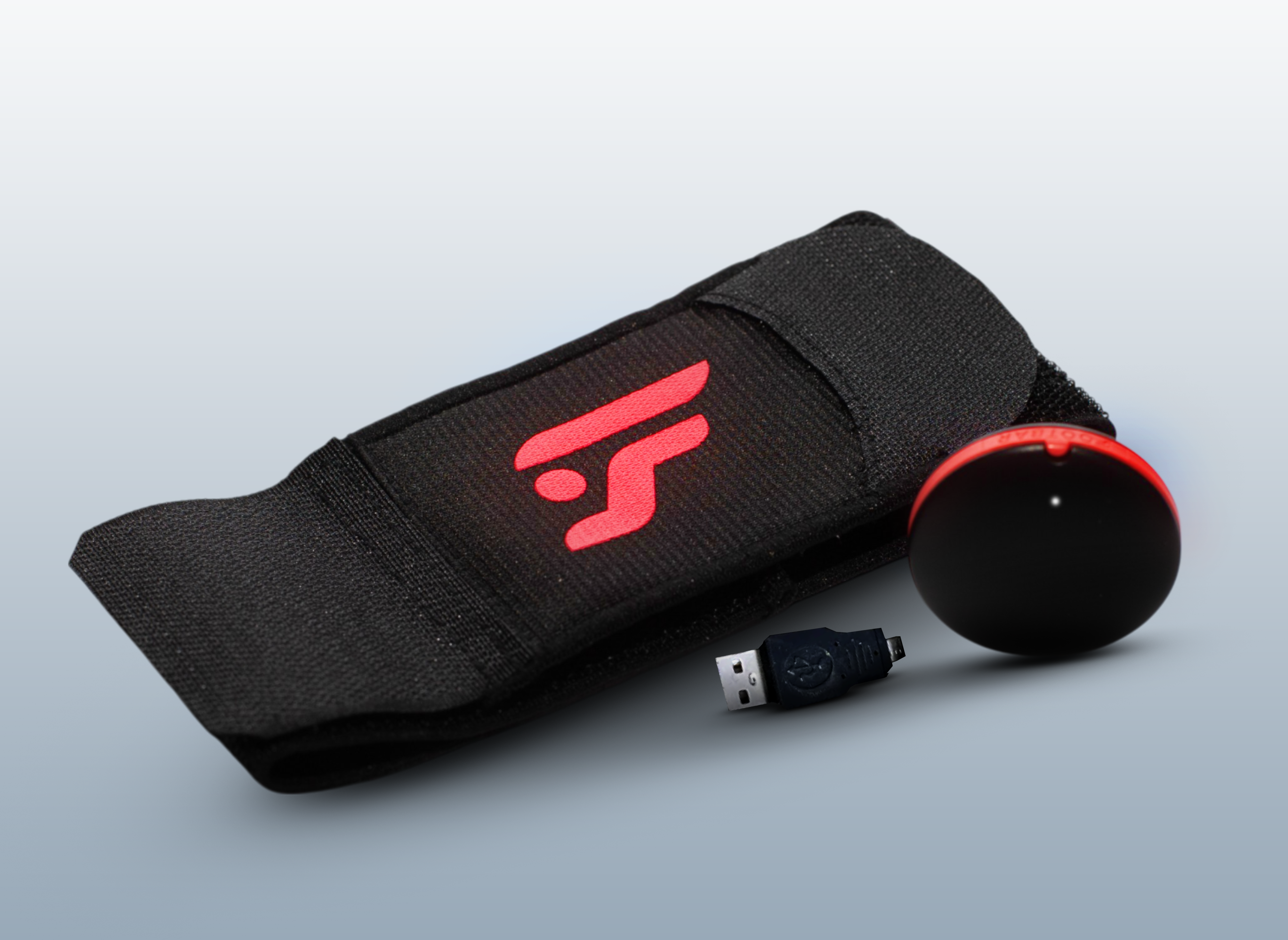
Check that the Footbar box contains a tracker, a strap and an adapter.
💡 Remember to charge your tracker right away. For the 1st charge, it's advisable to leave it charging for several hours!
The Footbar Application
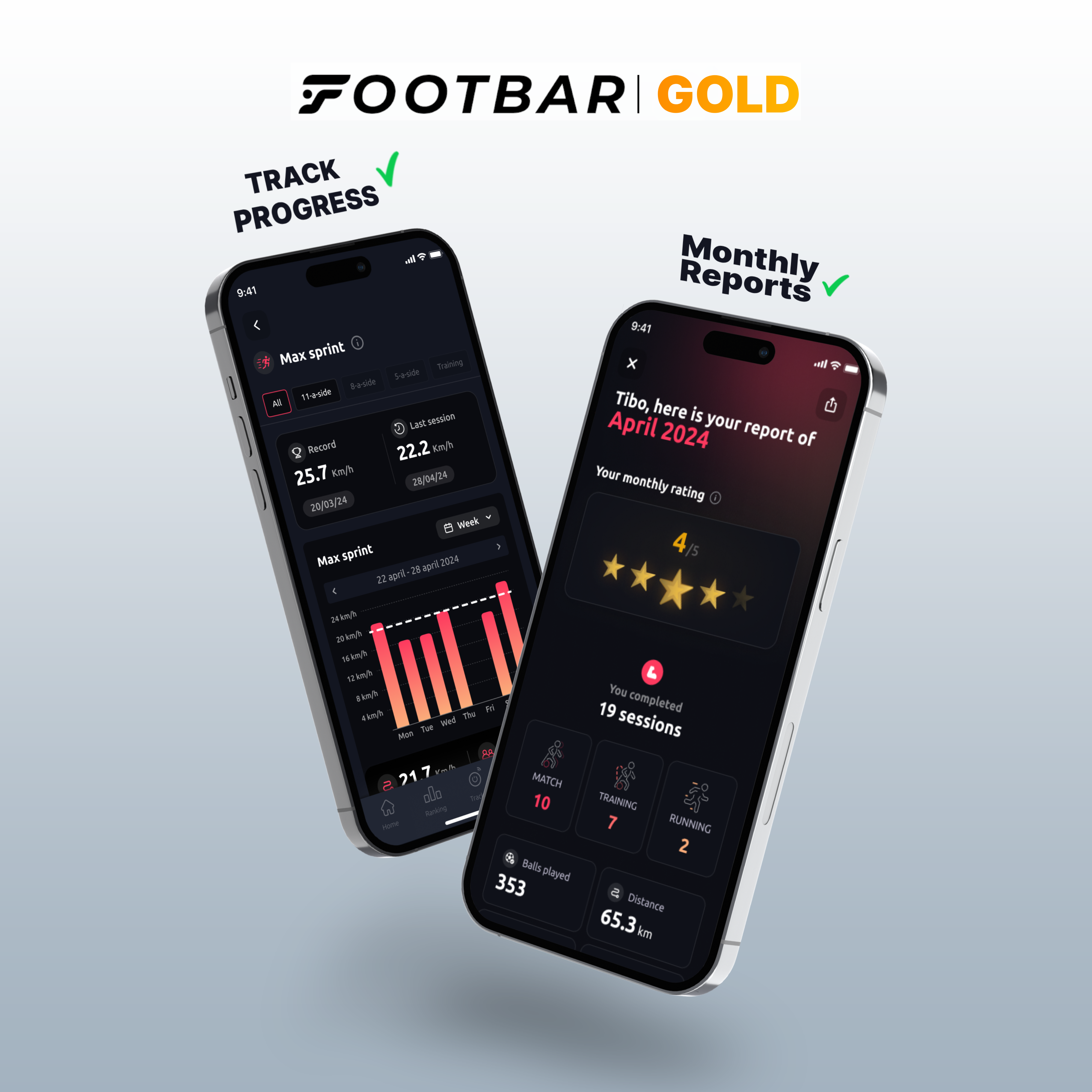
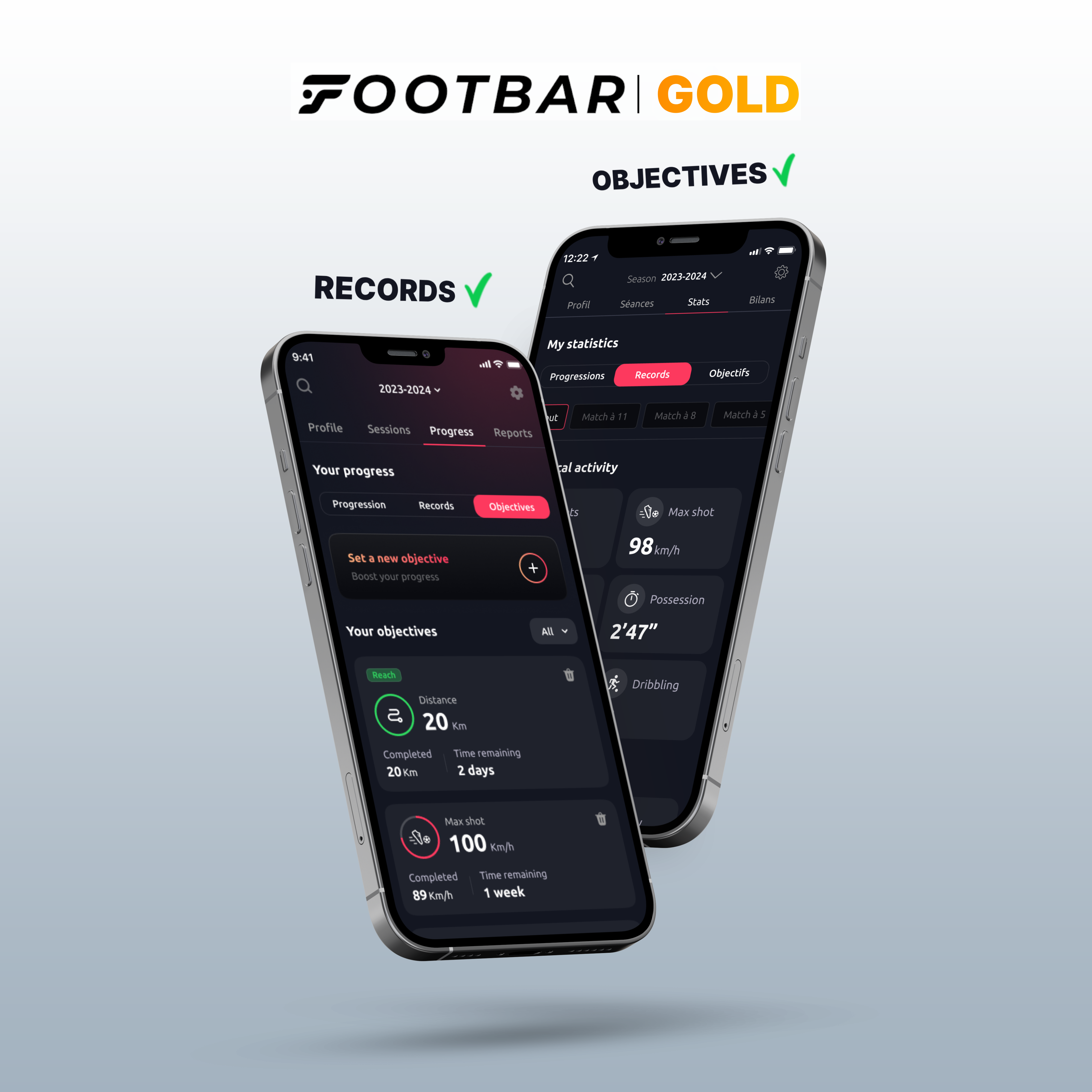
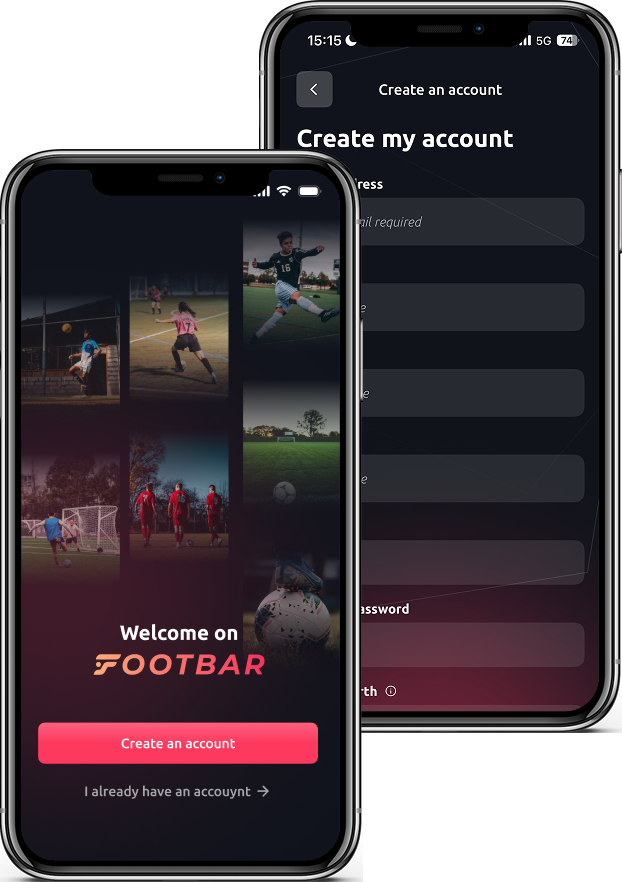
Download the Footbar app now to see your stats after each session, track your progress and keep a record of all your performances with the tracker!


To switch on your tracker
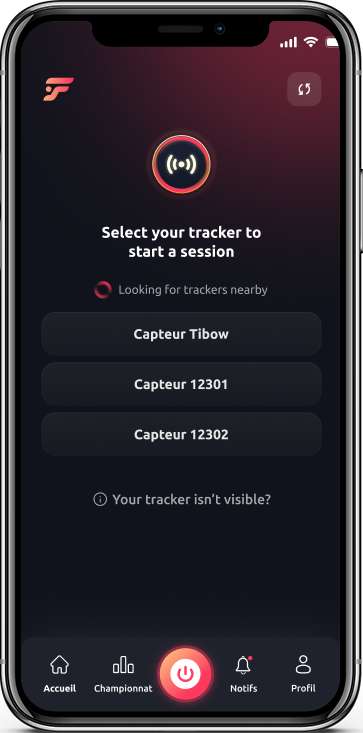
Select your tracker
After activate localization the bluetooth and loaded your tracker select it from the list
💡 It's called METEOR by default, you can then rename it
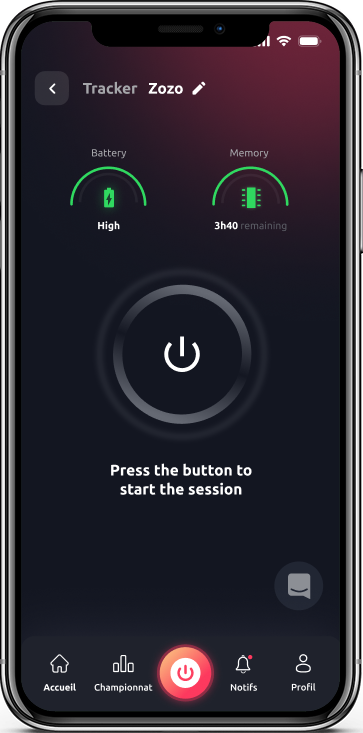
Start your session!
To turn on your tracker, simply click on the big button in the middle of the screen
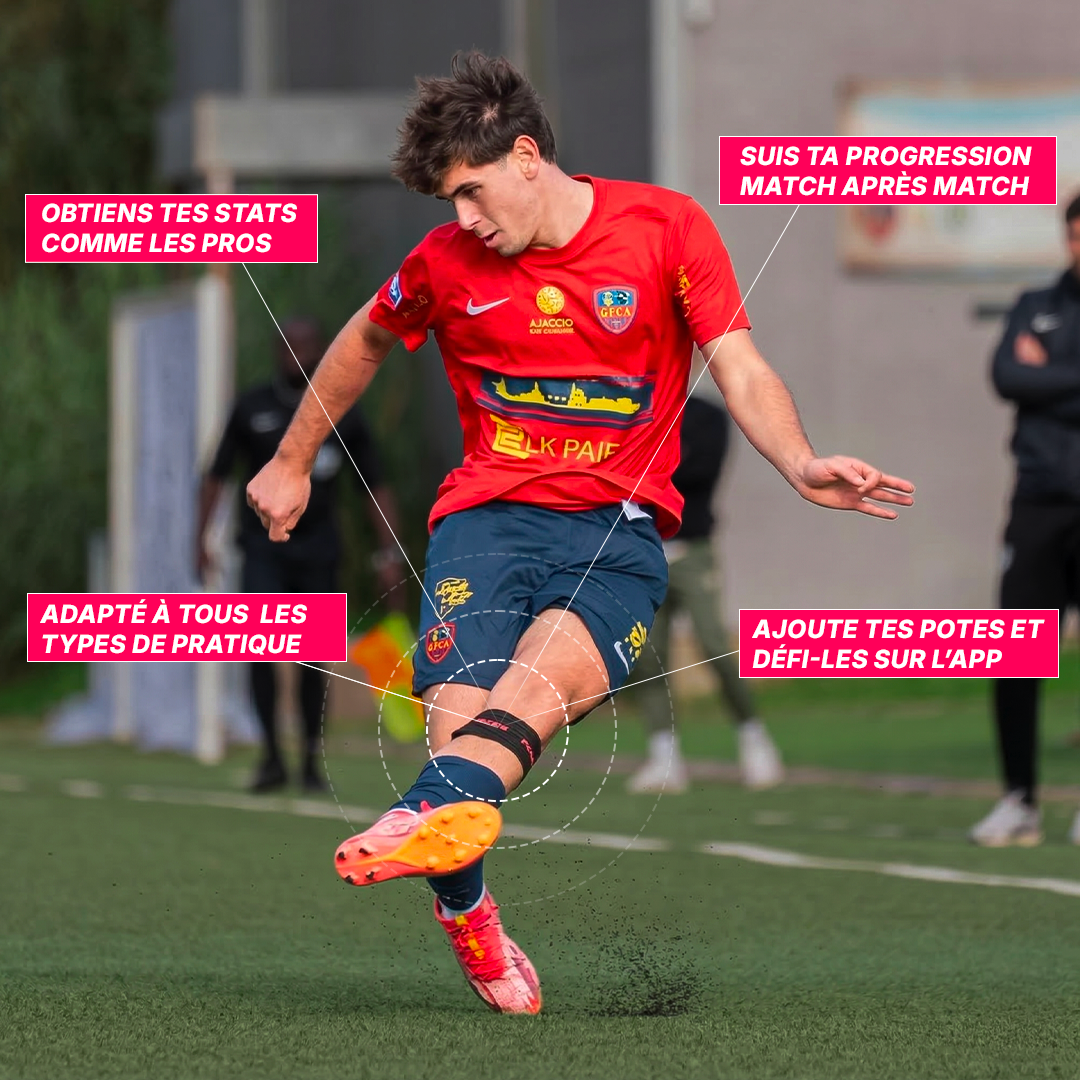
💡 The tracker should be placed on the back of the "strong" leg, at the top of the calf
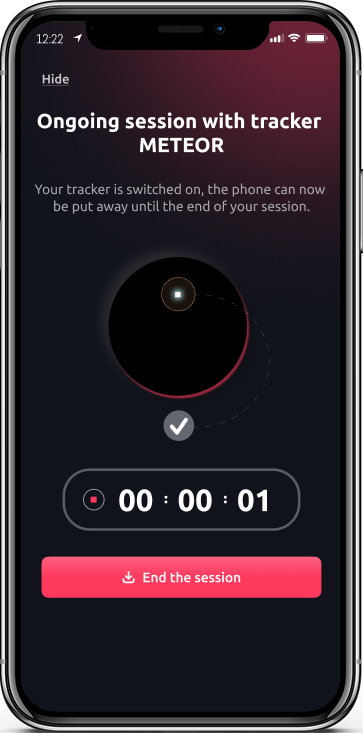
Here we go!
Check that the LED on your tracker is flashing and you're ready to play!
💡 Put your phone in the bag it's no use to you anymore
To download your stats
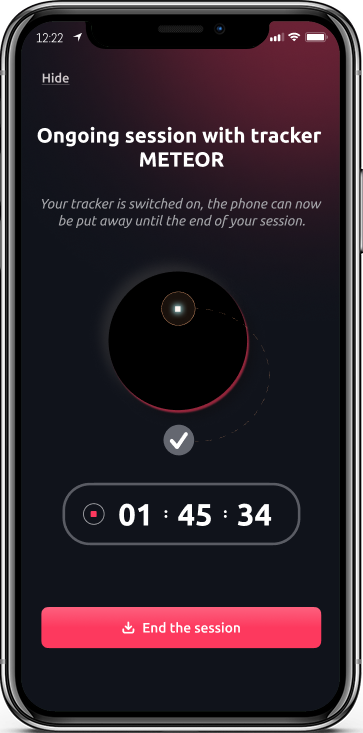
Download your stats
After your session, go back to your application and click on " ".End session"thenFinish and download"
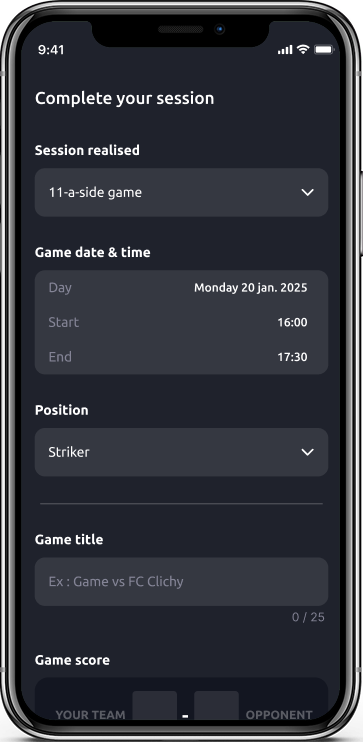
Complete your session
During your session download you can fill in your post-match specifying the type of match you played, the position you played in, and adjusting the match schedule

Check your stats
After validating your session, wait 2-3 minutes and your stats will be available by going to "Profile"at bottom right, thenSessions"at the top of the screen
This might interest you!