Discover the tracker
Congratulations, you've received your Footbar tracker! 🎉
Before embarking on a football session with friends with your tracker on your calf, we invite you to browse this page which explains step by step how to use your tracker properly.
Content of the pack
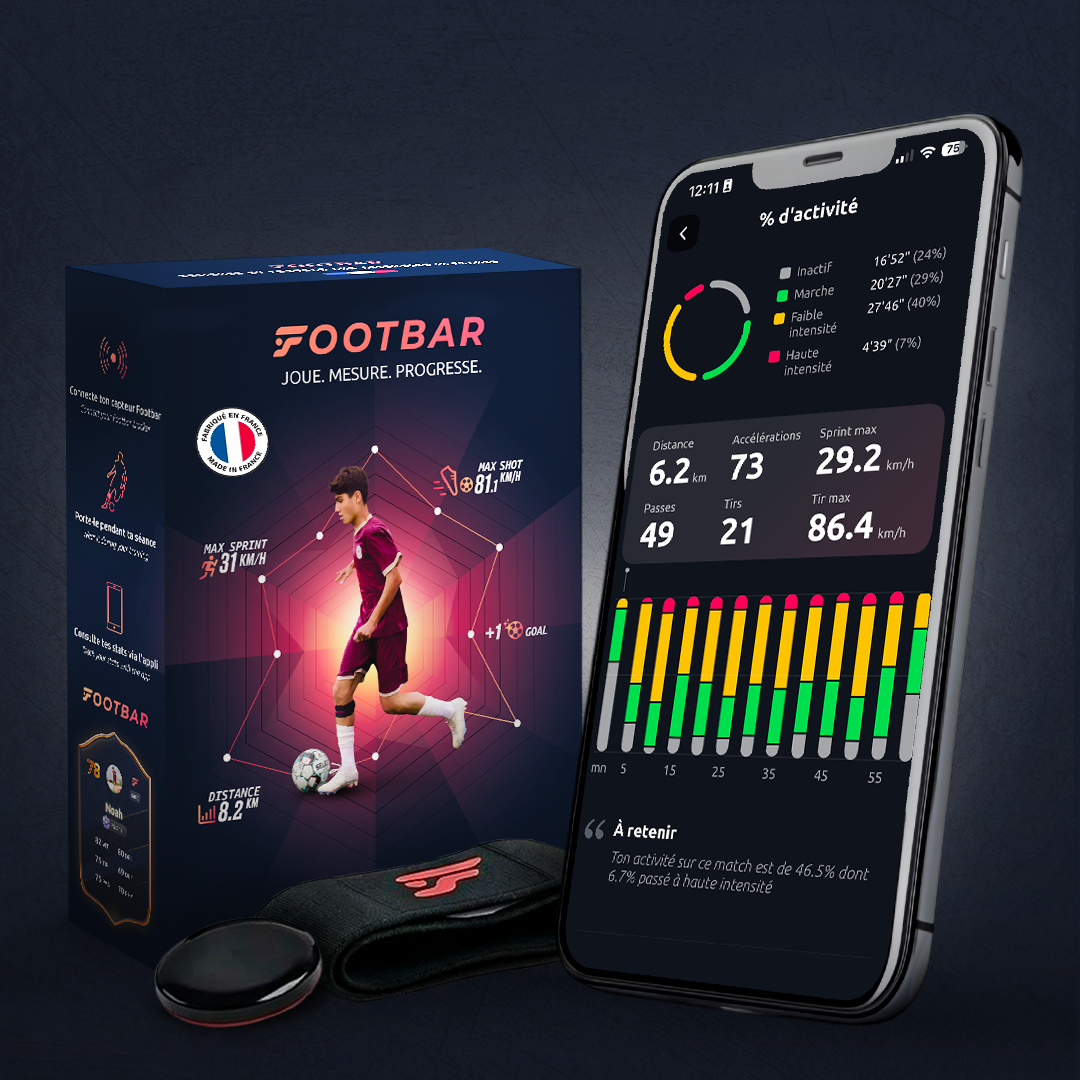
Check to make sure the Footbar box contains a tracker, a strap, and an adapter.
💡 Be sure to charge your tracker right away. For the first charge, we recommend letting it charge for several hours!


The Footbar Application
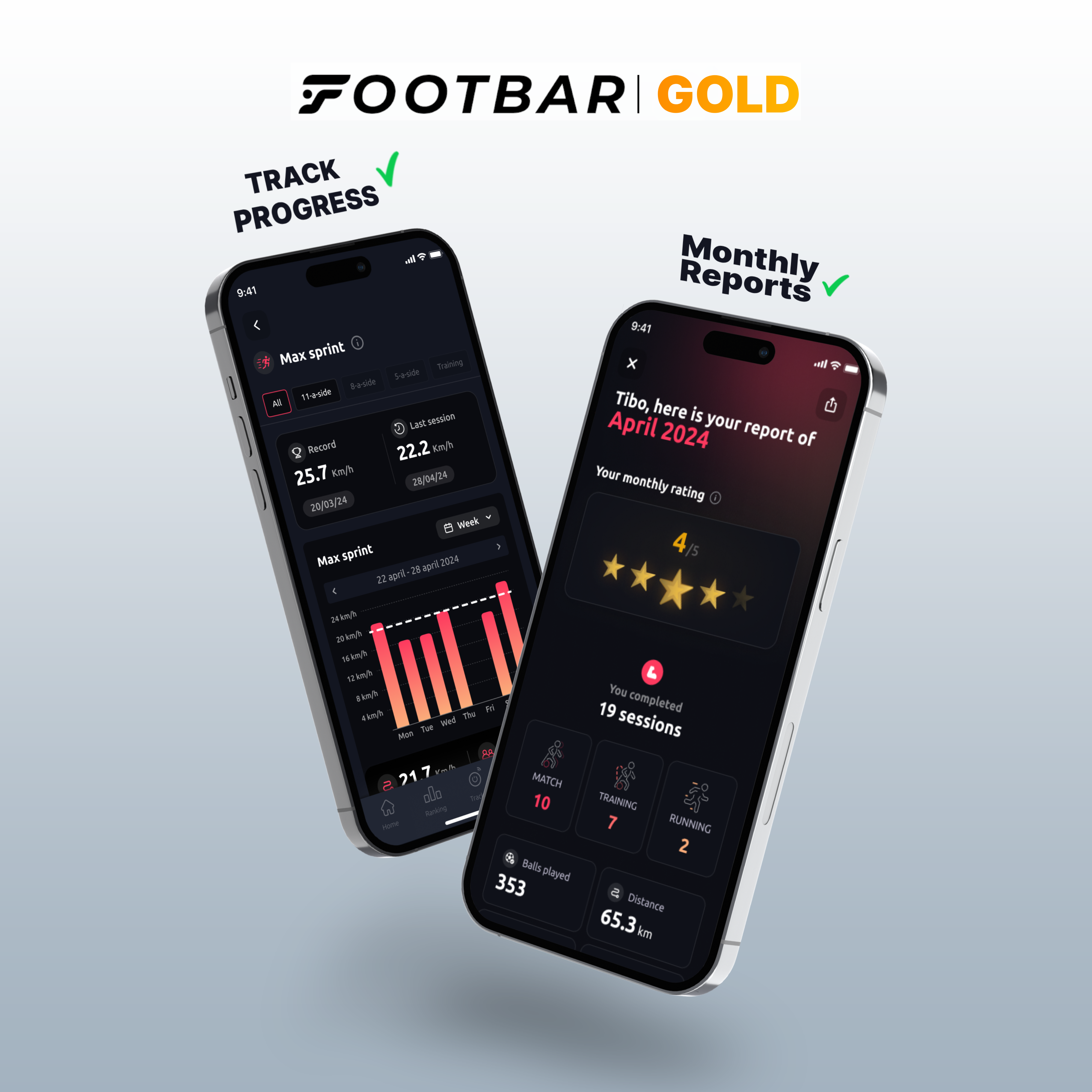
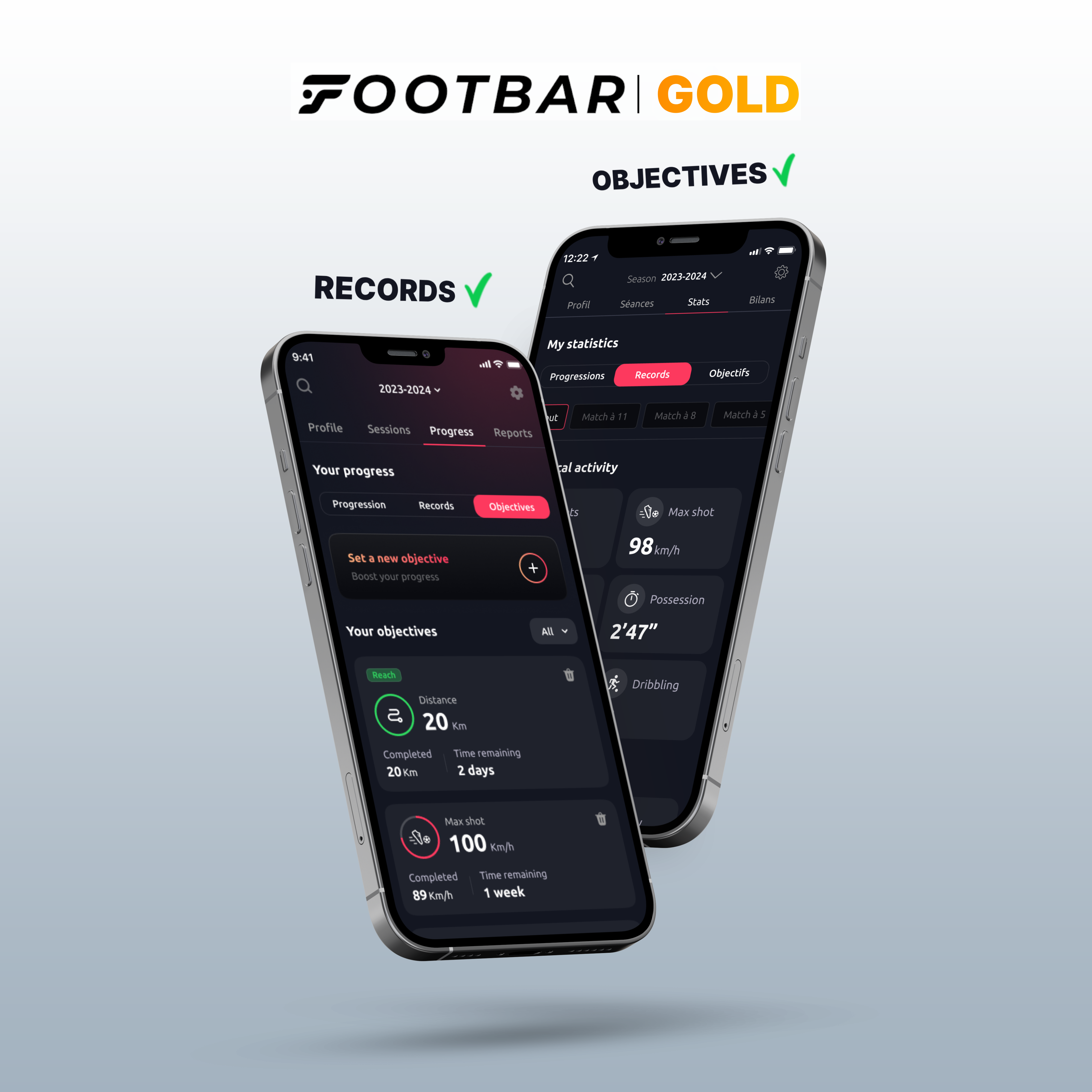
Download the Footbar app now to see your stats after each session, track your progress and keep a record of all your performances with the tracker!


To switch on your tracker

Select your tracker
After turning on location services and Bluetooth and making sure your tracker is fully charged, select it from the list
💡 Its default name is METEOR; you can rename it later

Start your session!
To turn on your tracker, just click the big button in the middle of the screen
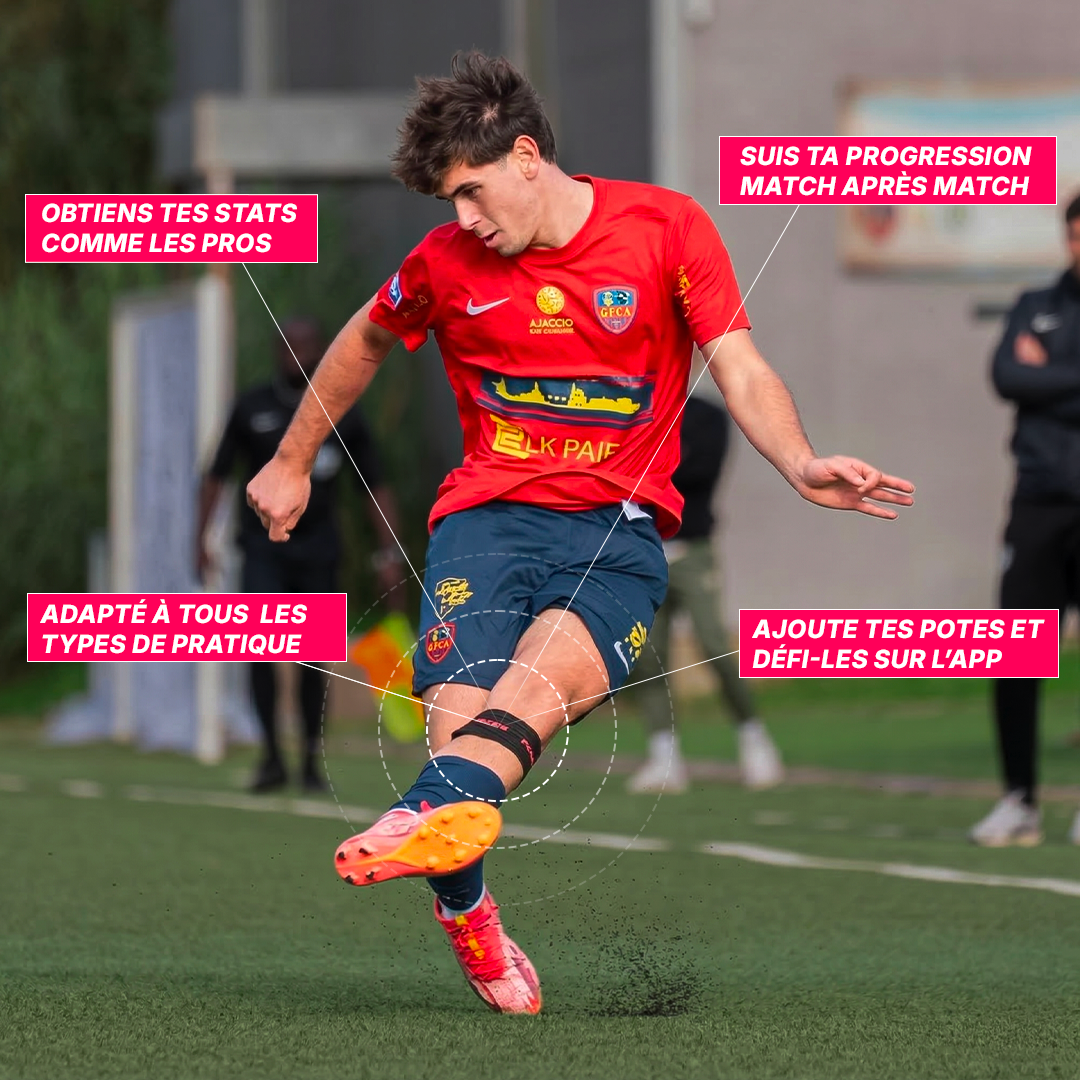
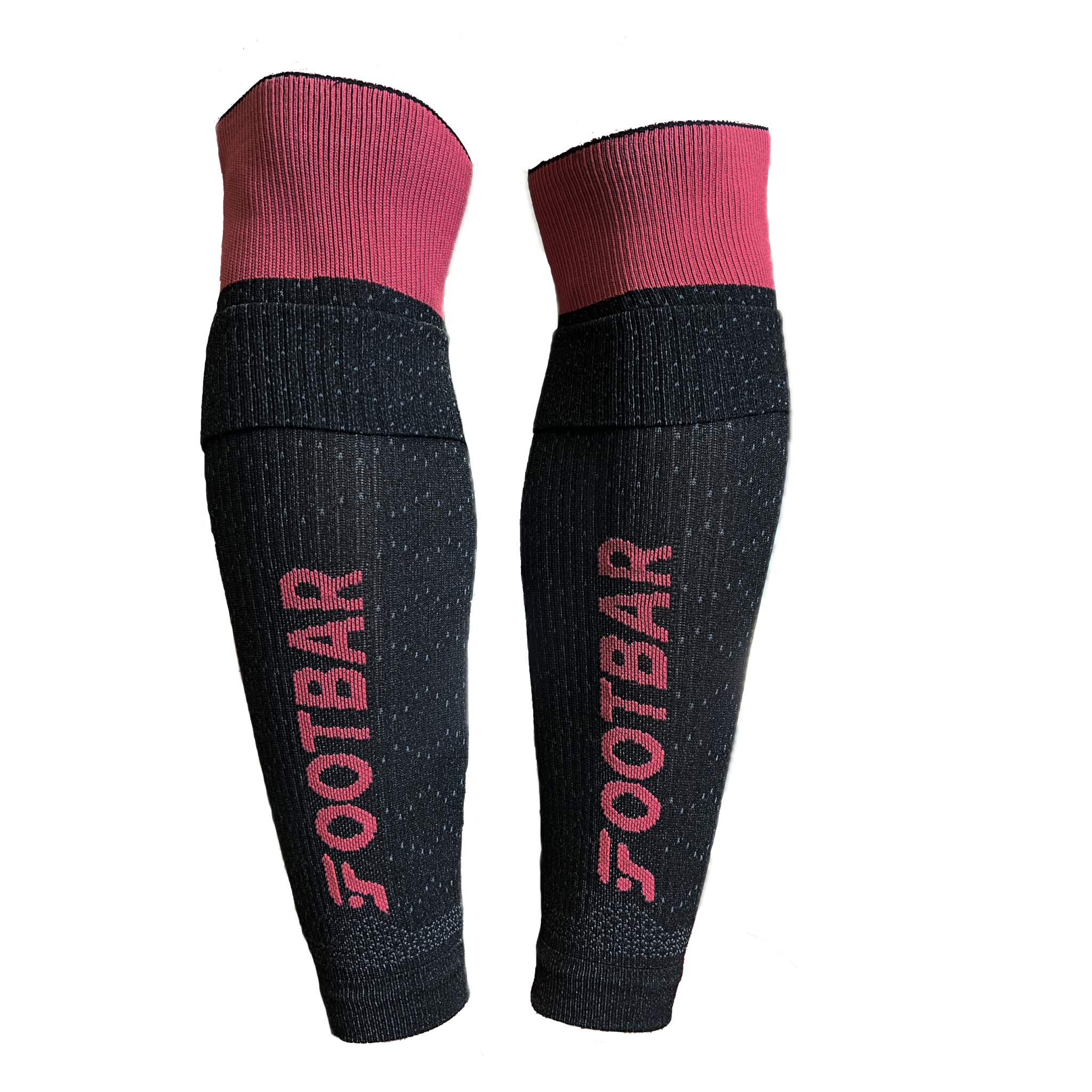
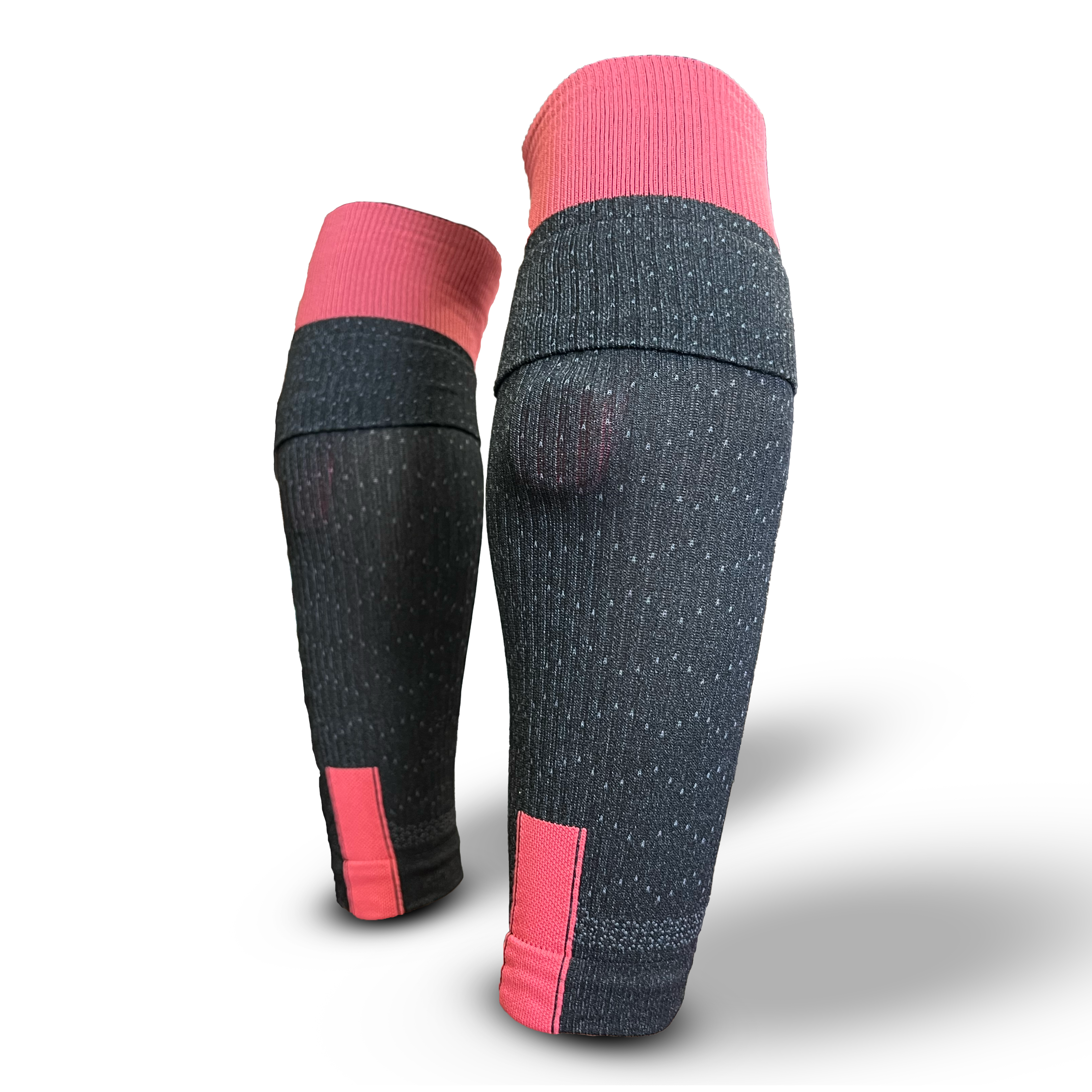
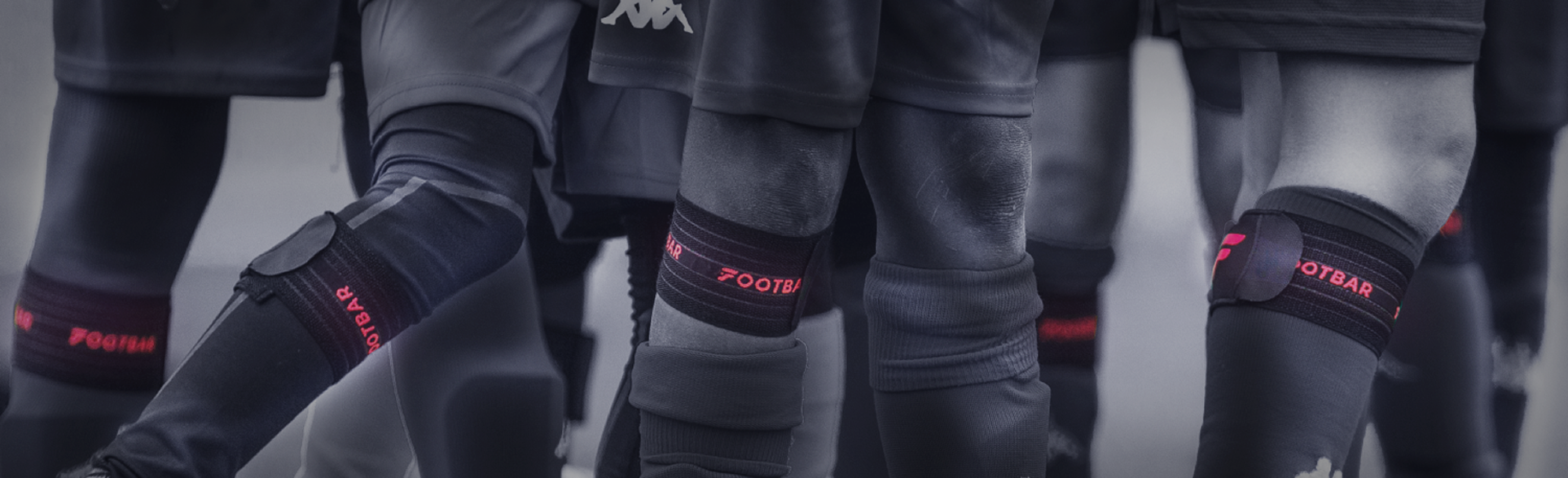
💡 The tracker should be placed on the back of the "strong" leg, at the top of the calf

Here we go!
Check to make sure the LED on your tracker is flashing —now you're ready to play!
💡 Put your phone in the bag it's no use to you anymore
To download your stats

Download your stats
After your session, go back to your app and click "End Session," then "End and Download."

Complete your session
While your session is downloading, you can fill out your postgame interview —specifying, in particular, the type of game played and the position you played—and adjust the game times.

Check your stats
After confirming your workout, wait 2–3 minutes, and your stats will be available when you go to "Profile" in the bottom right corner and then "Workouts" at the top of the screen.
Further information
-
Shots: This is the number of shots recorded, and it includes shots on goal, crosses, and clearances.
Max shot speed: This is the speed of your most powerful shot in km/h.
Passes: This is the total number of passes made.
Possession: This is the amount of time, in seconds, that you spend with the ball at your feet.
Distance: This is the total distance you've covered in kilometers.
Activity: This is the percentage of your total activity time during which the app detected that you were running.
Max Sprint: The highest speed recorded during a sprint.
Run: This is the total time you ran, expressed in minutes and seconds.
Sprints: This is the number of runs during which you accelerated to a speed at least 30% higher than your average speed.
Accelerations: This is the number of times you accelerated.
Decelerations: This is the number of times you've decelerated.
-
You need to let it charge for at least 30–40 minutes for the battery to be fully charged.
-
The tracker has a maximum battery life of 5 hours when the battery is fully charged.
The battery life of the tracker in standby mode (when not in use) is approximately 3 days.
-
The best time to charge it is 30 minutes before you go play, or 1 hour before the activity.
-
If you have any further questions, you can contact us directly on our app or on the website by clicking on the little logo at the bottom right of your screen!
This might interest you!