Questions fréquentes
Si tu rencontres un problème dans l'utilisation de ton capteur, tu peux nous contacter directement sur l'application via la bulle de chat en bas à droite de ton écran ! Tu peux également nous contacter par mail à l'adresse help@footbar.com
N'hésite pas également à parcourir notre FAQ ci-dessous, tu trouveras certainement les réponses à tes questions !

Le capteur Footbar
Acheter-
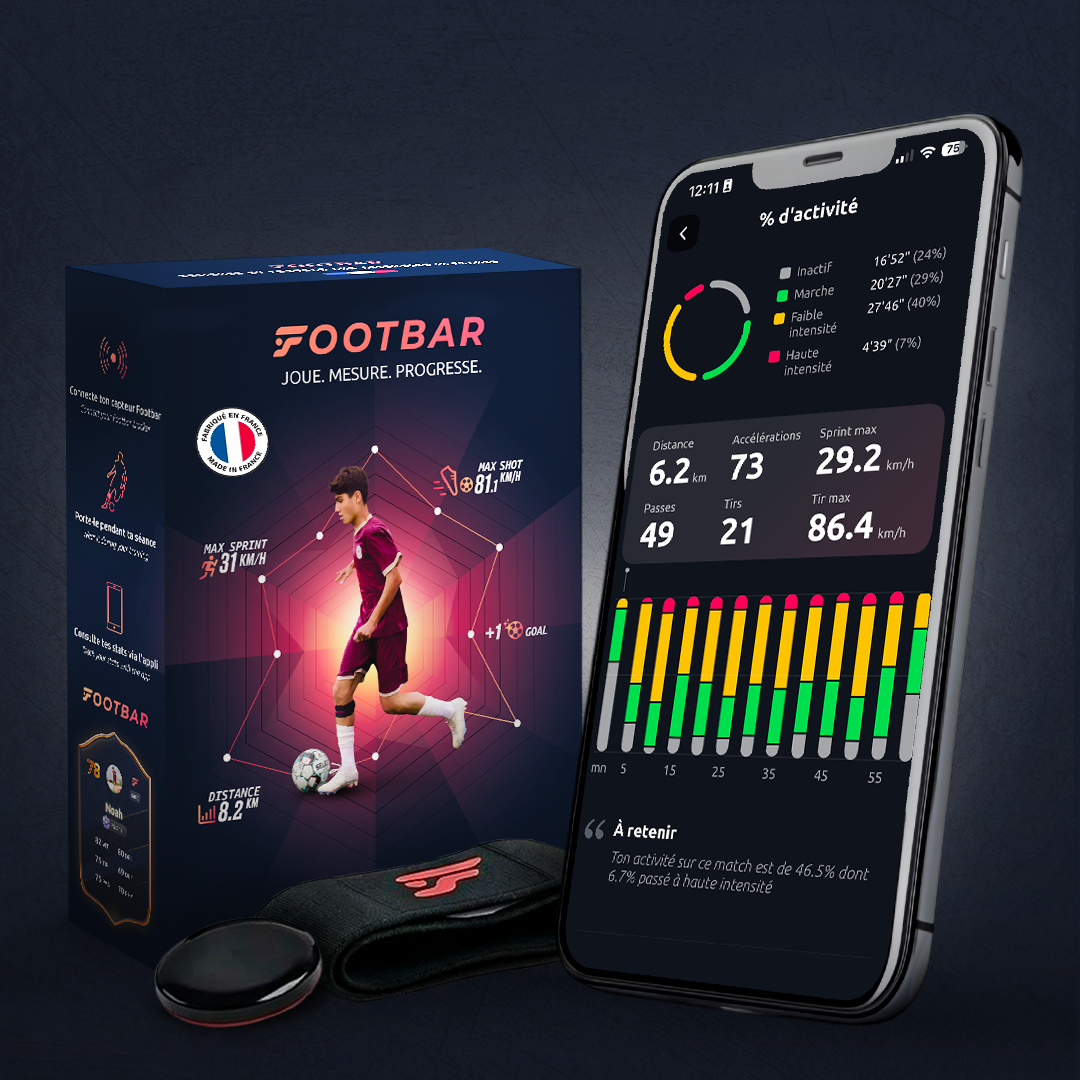
Il s’agit d’un capteur de 8 grammes et 8 mm d’épaisseur qui évalue les performances des footballeuses et footballeurs selon une douzaine de critères grâce à un accéléromètre couplé à une intelligence artificielle (IA).
-
Un GPS va fonctionner avec la localisation. Notre capteur va comprendre les mouvements du corps sans connaître la position. C’est comme si on lui avait appris à reconnaître tous les mouvements du footballeur. Les deux sont parfaitement complémentaires.
-
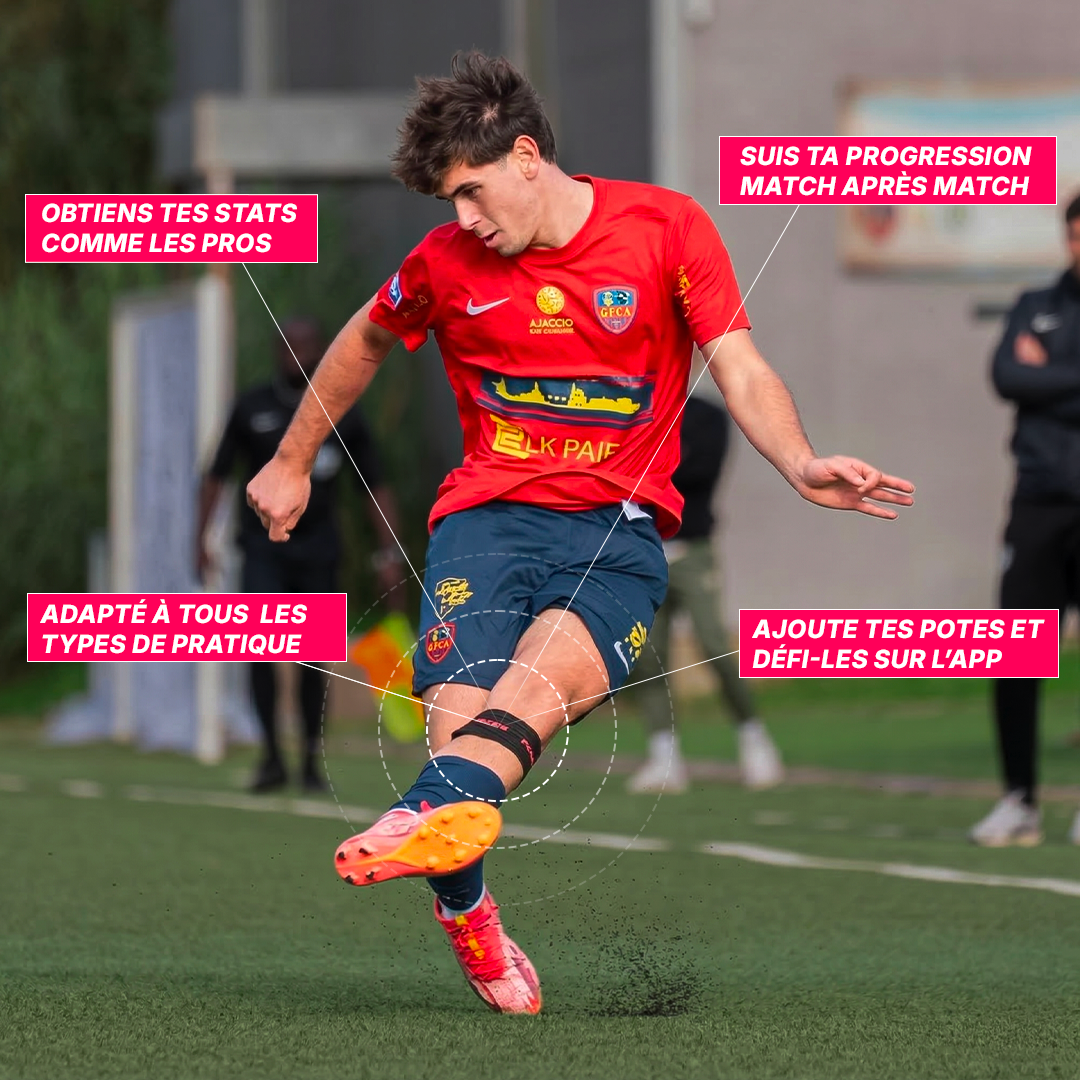
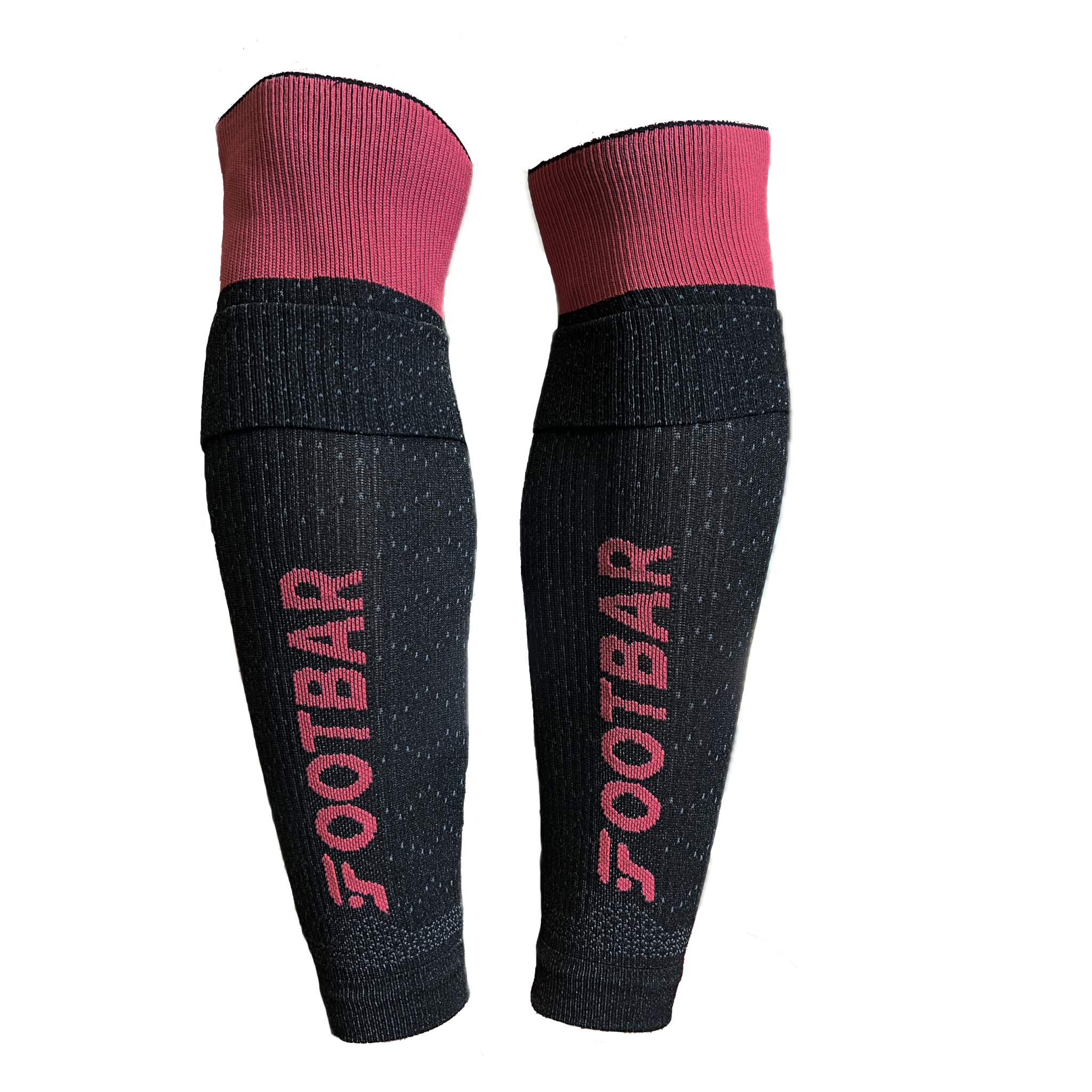
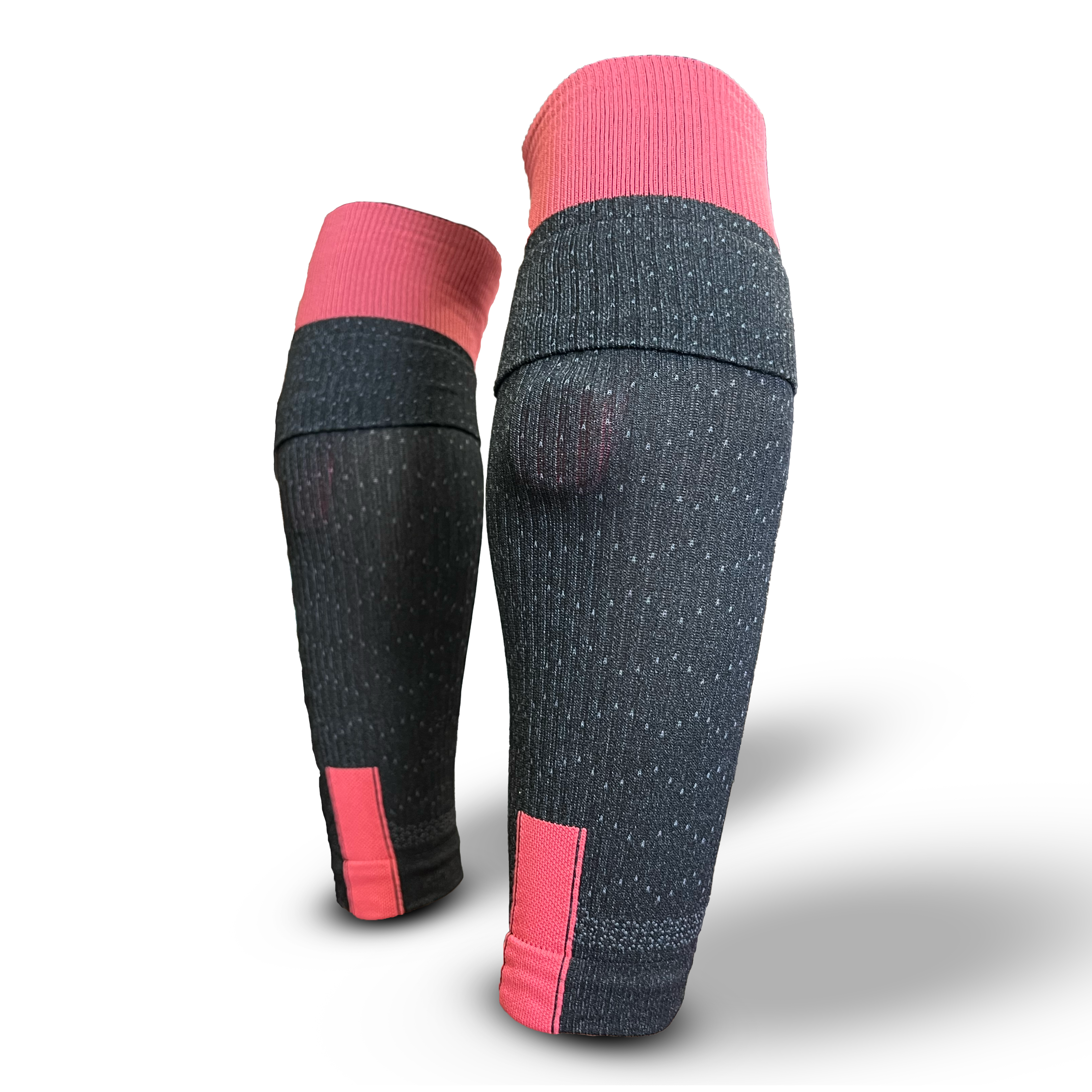
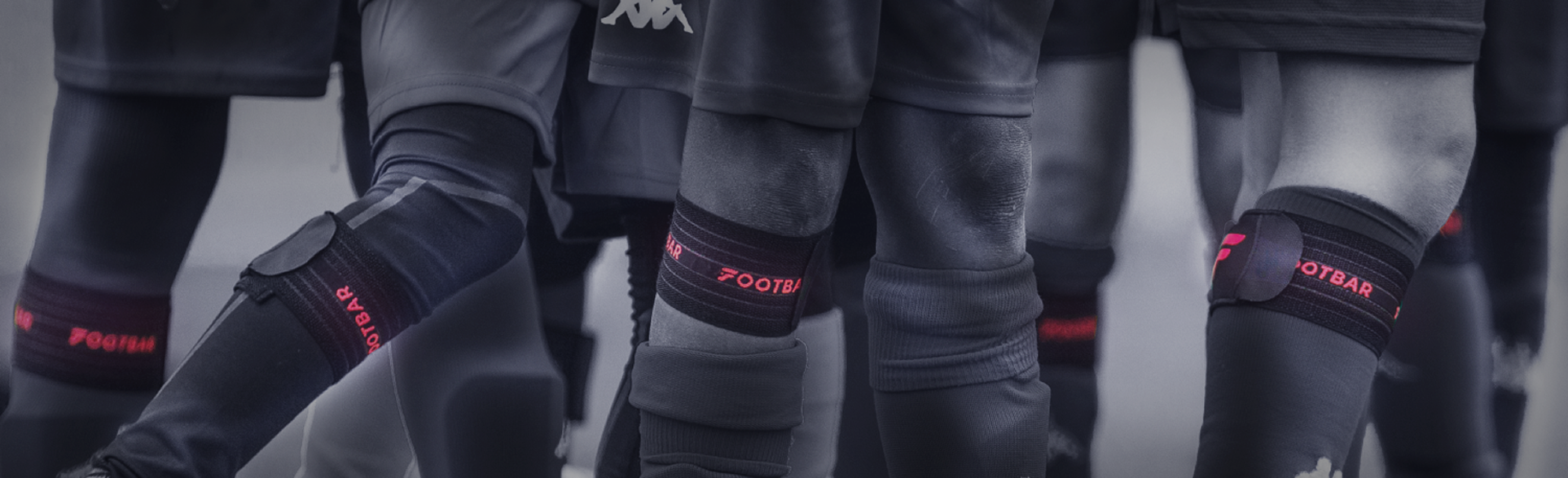
Non ! Ultra léger, fin et compact, le capteur se fixe au niveau du mollet, discrètement sous la chaussette. Il ne gêne en rien les mouvements du joueur ou de la joueuse, qui oubliera aussitôt qu’il ou elle porte un capteur.
Et la sangle ? Elle a été conçue pour offrir un maximum de comfort, en s’appuyant sur de nombreux retours d’expérience utilisateurs, et ça se ressent !
-
Non, notre technologie est pour le moment élaborée en fonction de la position "haut du mollet de frappe". Le porter ailleurs équivaut à donner de fausses informations de jeu au capteur, qui ne pourra calculer de manière précise vos stats !
-
Non le capteur ne prend en considération que les données de la jambe sur laquelle il est placé. On te conseille donc de porter le capteur sur ta jambe forte car c’est là que tu obtiendras de meilleures statistiques.
Aujourd'hui notre intelligence artificielle n'est pas encore capable de repérer les passes et tirs effectués avec la jambe ne portant pas le capteur. Cependant nous continuons de travailler dessus pour pallier cela.
-
Comme il est caché sous la chaussette, tu peux l’utiliser pendant les matchs à niveau amateur, sous réserve du règlement du district. Nous te recommandons de demander l’accord à l'arbitre. Aujourd’hui, les joueuses de l’équipe pro du Luxembourg portent notre capteur en plus de clubs qui l’utilisent lors de leurs matchs du weekend.
Utilisation du capteur
-
1) Il faut que tu t'équipes de ton capteur en le placant à l'arrière de ta jambe dite "forte", en haut du mollet.
2) Il faut que tu allumes ton capteur via l'application en allant sur l'onglet "Capteur" et en choisissant ton capteur dans la liste. Il ne te reste plus qu'à l'allumer en appuyant sur le gros bouton blanc.
3) Tu peux ensuite ranger ton téléphone il ne te sert plus à rien pendant ta séance
4) Une fois ta séance terminée, retourne sur ton application en reselectionnant ton capteur dans l'onglet "Capteur" puis éteint ton capteur en appuyant sur le bouton vert et télécharge ensuite tes stats
5) Le téléchargement de tes stats devraient prendre 1 à 2 minutes, tu recevras une notification quand tes stats seront prêtes ou alors rend toi directement dans "profil"-->"Séances"
-
Il te suffit tout simplement d'aller sur ton profil et ensuite de cliquer sur "Séances" en haut à gauche pour accéder non seulement aux données de ta session mais aussi à l'historique de toutes tes sessions précédentes.
-
Pour la distance au capteur, il y a 2 choses distinctes :
- Pour se connecter au capteur (pour l'allumer, l'éteindre ou télécharger ses données), il faut être proche du capteur à environ de moins de 5 mètres.
- En revanche, une fois le capteur allumé, l’application peut être fermée et le téléphone rangé. Le bluetooth n’intervient que pour allumer/éteindre le capteur, puis pour le téléchargement des données à la fin de ton match ou de ton entraînement.
-
C’est tout à fait normal car ton capteur n’a pas besoin d’être connecté à ton téléphone lorsque tu joues.
Le capteur doit être à proximité du téléphone et connecté en Bluetooth uniquement pour l'allumer, l'éteindre et télécharger ses données.
-
Soit tu n’es pas suffisamment à proximité de ton capteur ou alors tu n’as peut-être plus de batterie.
Vérifie donc que :
Le bluetooth est activé.
Mets ton capteur à charger sur un ordinateur grâce au port USB fournit dans ton packaging.
Vérifie que le capteur clignote bien lorsqu’il est branché.
N’hésite pas à tester avec un autre câble si besoin.
Si ton problème n’est toujours pas résolu, n'hésite pas à nous contacter via la petite bulle en bas à droite de ton écran.
-
Lorsque tu es sur le récap de ta session, clique sur l'icône en haut à droite et ensuite sur "modifier". Tu as ensuite la possibilité de sélectionner ton poste, le type de session ainsi l'heure de début et fin de ta séance avant de "valider".
-
Si tu n’as plus de mémoire, c’est probablement que tu as une séance non téléchargée. Dans ce cas là, rends-toi sur ton application, connecte-toi à ton capteur et vérifie que tu n’as pas de session à télécharger. Si c’est le cas, télécharge la et ta mémoire devrait se libérer.
Le championnat sur l'application

-
Dans le championnat, les règles sont simples : plus tu joues au foot pendant la semaine, plus tu cumules des points pour passer devant tes adversaires.
Chaque semaine, tu rejoins aléatoirement une poule de 20 nouveaux adversaires dans l'une des 10 divisions qui te correspond.
A toi de prouver que tu es le meilleur de ton groupe : à la fin de chaque semaine, les trois premiers montent en division supérieure et les trois derniers descendent.
-
Le booster permet de multiplier les points obtenus par un utilisateur lors d’une session selon sa division. Le booster est de x1 lorsque tu es en D10 et augmente de +1 lorsque tu passes à la division supérieur pour atteindre x10 lorsque tu seras en D1. Plus tu te situes proches de la D1, plus ton booster est important et donc plus les points que te rapporteront tes séances seront élevés.
-
Chaque été, la saison en cours prend fin, et les points d'expérience de ta carte Footbar redescendent à 10, comme lorsque tu as commencé sur Footbar. Pas de panique, les points reviennent vite si tu avais un bon niveau la saison précédente. C'est l'occasion de tout donner lors de la nouvelle saison !
Abonnement Footbar Gold
En savoir plus
-
Non, notre application reste gratuite !
Nous avons effectivement sorti récemment une version premium de l’application incluant de nouvelles fonctionnalités mais celles-ci sont purement additionnelles/facultatives.
Les fonctionnalités déjà présentes dans l’application (accès au stats, championnat, historique de toutes les sessions, etc..) sont restées gratuites et le resteront toujours, il n’y a eu aucun changement pour toi même si tu n’es pas passé membre Footbar Gold.
-
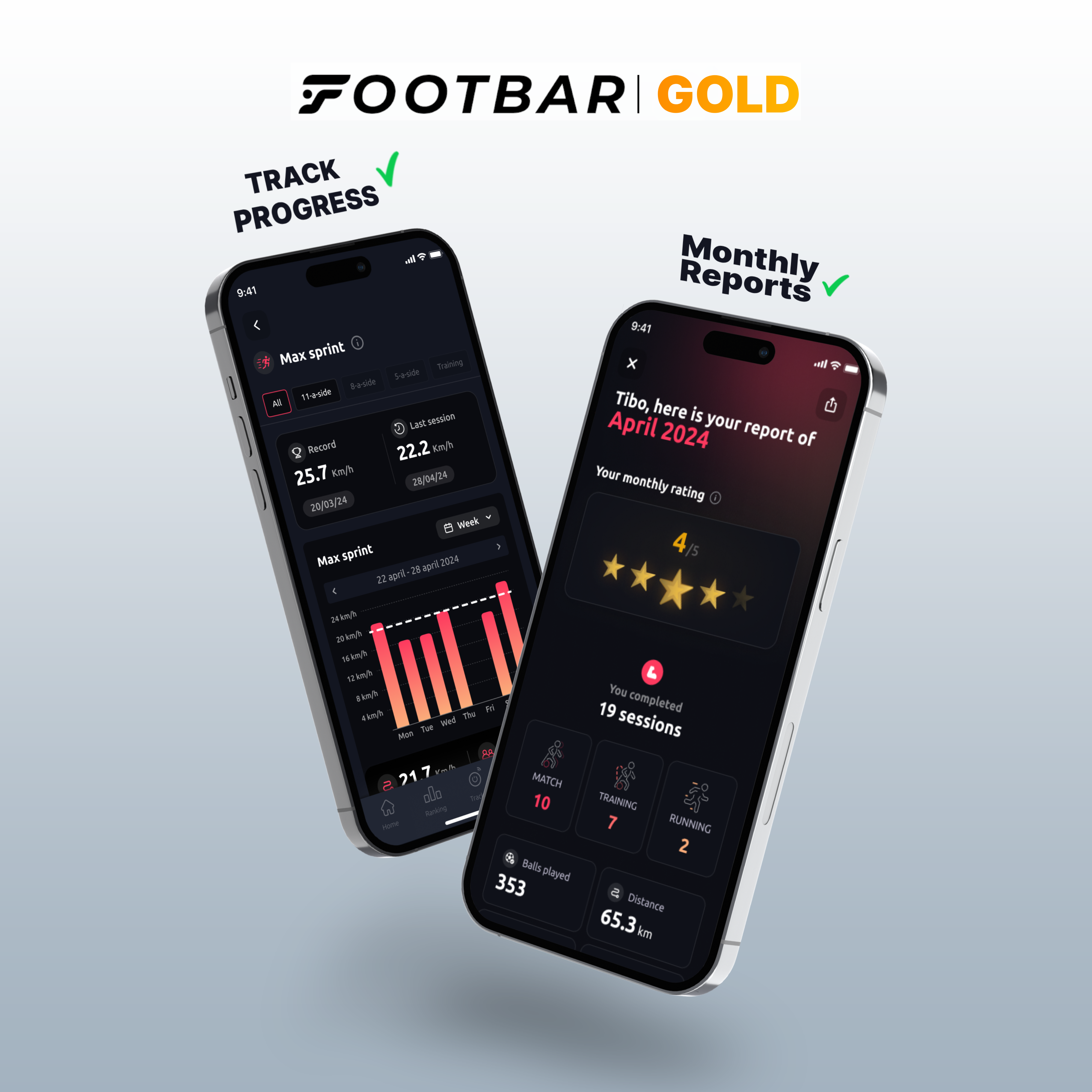
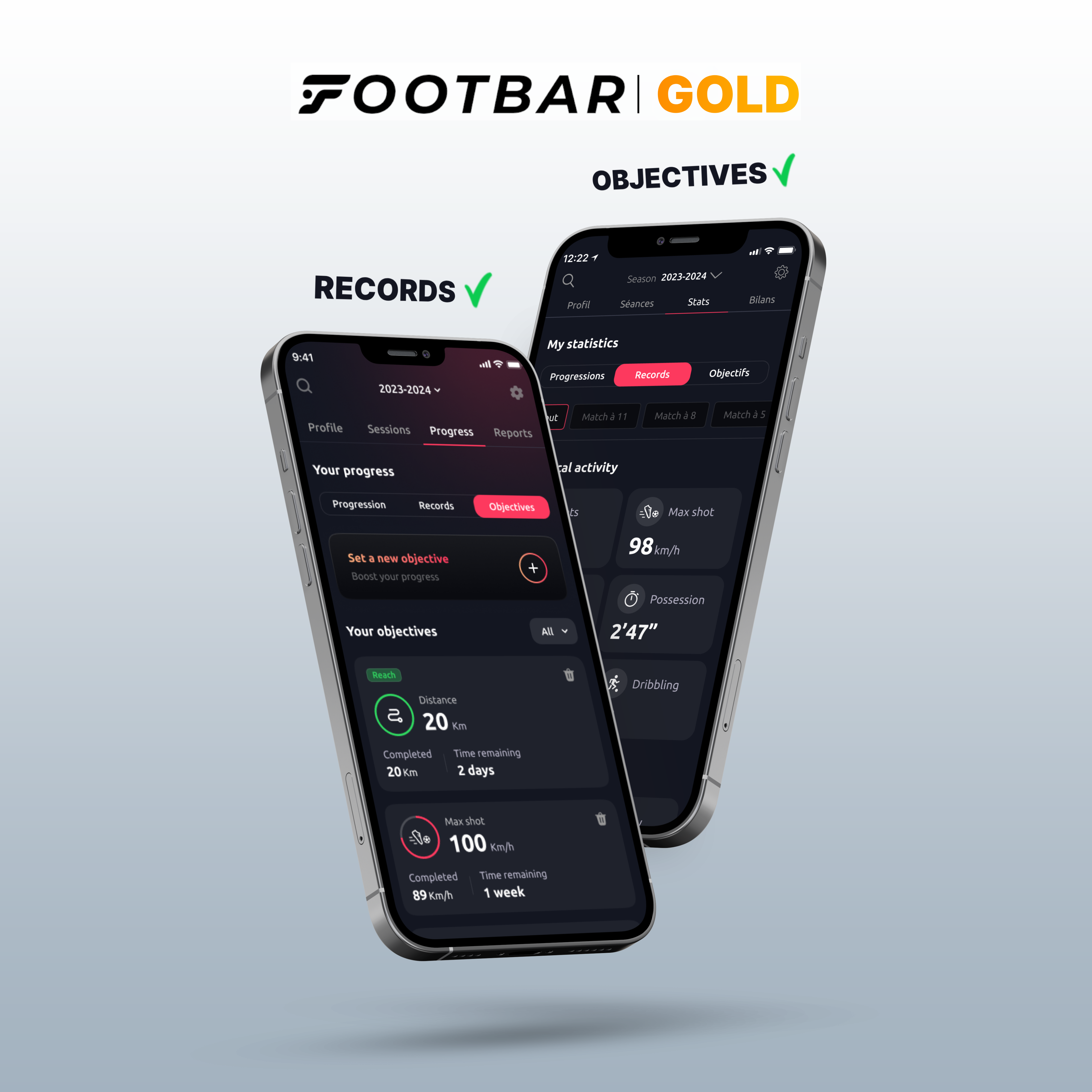
voici les nouvelles fonctionnalités premium que nous avons développé :
Un bilan mensuel détaillé de tout ce que tu as fait avec le capteur.
Un suivi de progression pour chaque stats sous forme de graphique.
Un accès à tous tes records sur chaque stat.
Des objectifs personnalisés pour plusieurs statistiques
Ajouter ses buts et ses passes dé
Pour informations, il y a 1 mois d’essai gratuit pour que tu puisses découvrir toutes ces nouvelles fonctionnalités ! Tu peux résilier ton abonnement à tout moment !
-
Oui bien sûr ! Il y a 1 mois d’essai gratuit pour que tu puisses découvrir toutes ces nouvelles fonctionnalités ! Pour y accéder, rends-toi dans ton profil puis réglages et enfin "devenir membre Footbar Gold' !
Tu peux résilier ton abonnement à tout moment !
L'intelligence artificielle (IA)
-
Notre capteur est capable de détecter et d’enregistrer les mouvements de la jambe grâce à un accéléromètre intégré.
Ensuite, c’est notre Intelligence Artificielle qui travaille. Elle comprend tout ce qu’a fait le joueur et déduit les actions sur le terrain à partir des données du capteur : déplacements, passes, frappes.
-
Statistiques physiques
- Distance : distance totale parcourue (en km).
- Sprint maximum : vitesse la plus élevée mesurée lors d’un sprint (en km/h).
- Activité : pourcentage du temps où tu as couru durant ton match.
- Course : temps total durant lequel tu as couru (en min' s").
- Sprint distance : distance parcourue durant l’ensemble des sprints (en km).
- Sprints : nombre de courses durant lesquelles tu as accéléré en atteignant une vitesse au moins 30% supérieure à ta vitesse moyenne
Statistiques techniques
- Ballons touchés : nombre de ballons touchés pendant le match.
- Puissance de frappe maximale : vitesse de ton tir le plus puissant. (en km/h).
- Tir : nombre total de tirs effectués (comprend les frappes, les centres et les dégagements).
- Passe : nombre total de passes effectuées.
- Possession : Temps passé avec le ballon dans les pieds (en min' s").
Match & entraînement :
activité : pourcentage du temps passé en courant sur le temps total d’activité
courses : temps total en course en minutes(‘) et secondes(“)
Running :
vitesse : temps moyen mis pour effectuer 1km
vitesse moyenne : vitesse moyenne au cours de la séance en km/h
allure : temps mis pour effectuer chaque km
Footbar Team :
charge externe : quantité de travail réalisée par le joueur qui s’exprime en fonction de la vitesse et du temps d’activité du joueur. Plus un joueur court vite et longtemps, plus sa charge est importante.
niveau d'intensité : définie en pourcentage de temps passé au-dessus de chaque palier de vitesse basé sur la Vitesse Maximale Aérobie (VMA).
Il existe 4 paliers d’intensité : faible intensité (FI), moyenne intensité (MI), haute intensité (HI) et très haute intensité (THI). Chaque palier peut être ajusté manuellement par le coach en charge de l’équipe en fonction des VMA de ses joueurs et joueuses.
-
Notre capteur a été entraîné grâce à des dizaines demilliers d’heures de vidéospour différencier ces deux gestes.
-
Plus tu utilises le capteur, plus tu gagnes de points. Pour en savoir plus, réfère-toi aux règles du jeu présentent sur l’appli.
-
Si tu as eu une période d'inactivité en étant immobile en étant par exemple sur le banc ou au goal, le capteur ne va pas comptabiliser ce temps d'arrêt afin de ne pas fausser tes statistiques.
Ventes et livraisons
-
En ligne sur notre propre site Footbar, ainsi que sur nos boutiques Amazon, Décathlon, Intersport.
En physique, notre capteur est vendu dans plus de 120 magasins Decathlon et 50 magasins Intersport.
-
Cela va dépendre du transporteur que tu auras choisi et également de ta situation géographique. Il faut compter le plus souvent au minimum deux jours. Les délais de livraison peuvent s'allonger notamment durant la période des fêtes.
-
Bien sûr, en cas de problème technique lié à Footbar, ton capteur est garanti deux ans. Il est possible de faire un échange sous réserve de retourner le capteur contenant son packaging d’origine, le port USB et la sangle.
Cela pourrait vous intéresser !